← All features

AI FOR OPERATIONS

AI tools for system administration

Investigate systems, run scoped commands and build reusable automation.

Read the detailed guide ↗
AI for operations
AI for operations
AI for operations

WHAT YOU CAN DO

Investigate in plain language

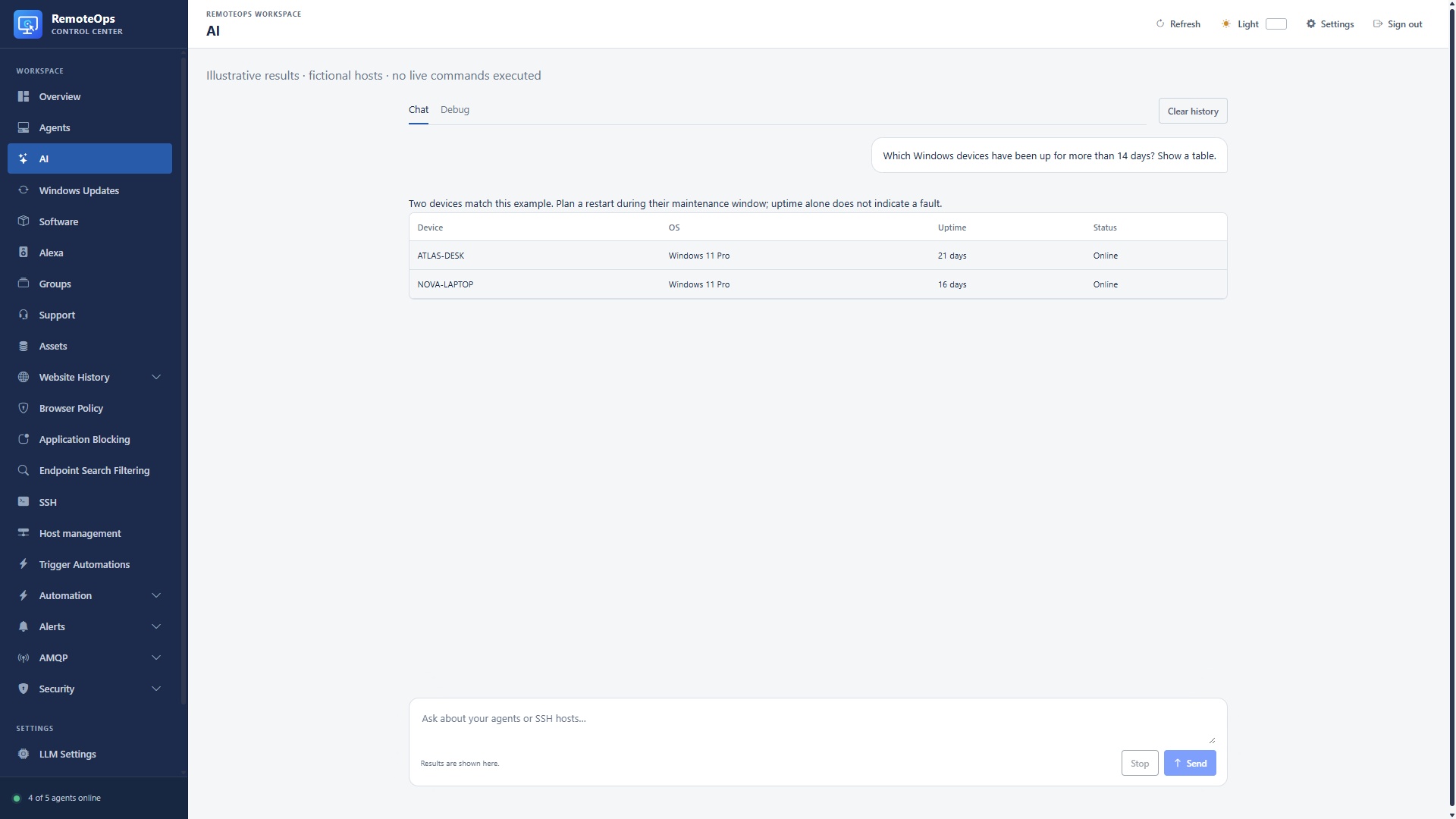
  • Find scoped devices, query inventory and retrieve collected monitoring data.
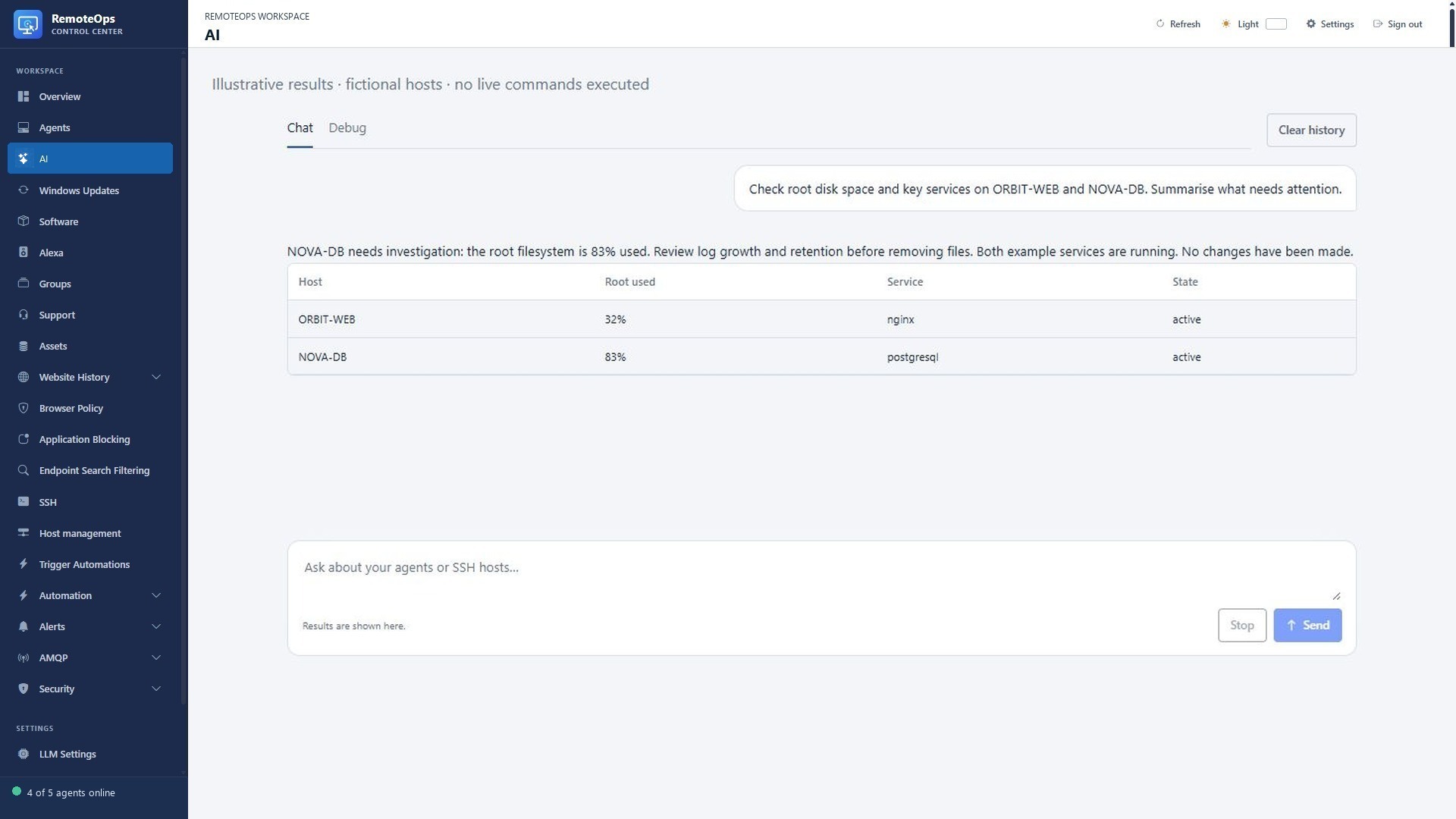
  • Inspect service/process information, exact files and bounded file metadata.
  • Run an explicit PowerShell command on one exact Windows device.
  • Discover SSH hosts in scope and run bounded SSH commands using saved credentials.
Move from a question to a workflow

  • Find and run existing Trigger automation buttons and eligible packages.
  • Create reusable activities and packages when you ask for new automation.
  • Inspect results, show sortable tables and export existing result data to CSV.
  • Use the appropriate chat scope and verify target names before making changes.

Put models inside packages

  • Select saved LLM connections, including supported cloud providers and local Ollama.
  • Send text or image inputs and receive text or parsed JSON outputs.
  • Use analysis results in notifications, reports or later workflow steps.
  • Credentials come from configured connections/Key Vault; source data sent to a model follows that connection.

Use AI tools for Windows and Linux administration

PUT IT TO WORK

Start with a useful question.

“Find Windows devices with more than 14 days of uptime.” “Check nginx and disk space on ORBIT-WEB.” “Run the saved health-check automation and show me the results.”

Explore the documentation ↗

KEEP EXPLORING

Product screenshot