← All features

NOTIFICATIONS

Notifications and user responses

Reach users, ask for a reply, and connect the answer to a workflow.

Read the detailed guide ↗
Notifications
Notifications
Notifications

WHAT YOU CAN DO

Choose how to reach someone

  • Use a standard Windows notification for a routine message.
  • Display a larger topmost notice when the message needs more prominence.
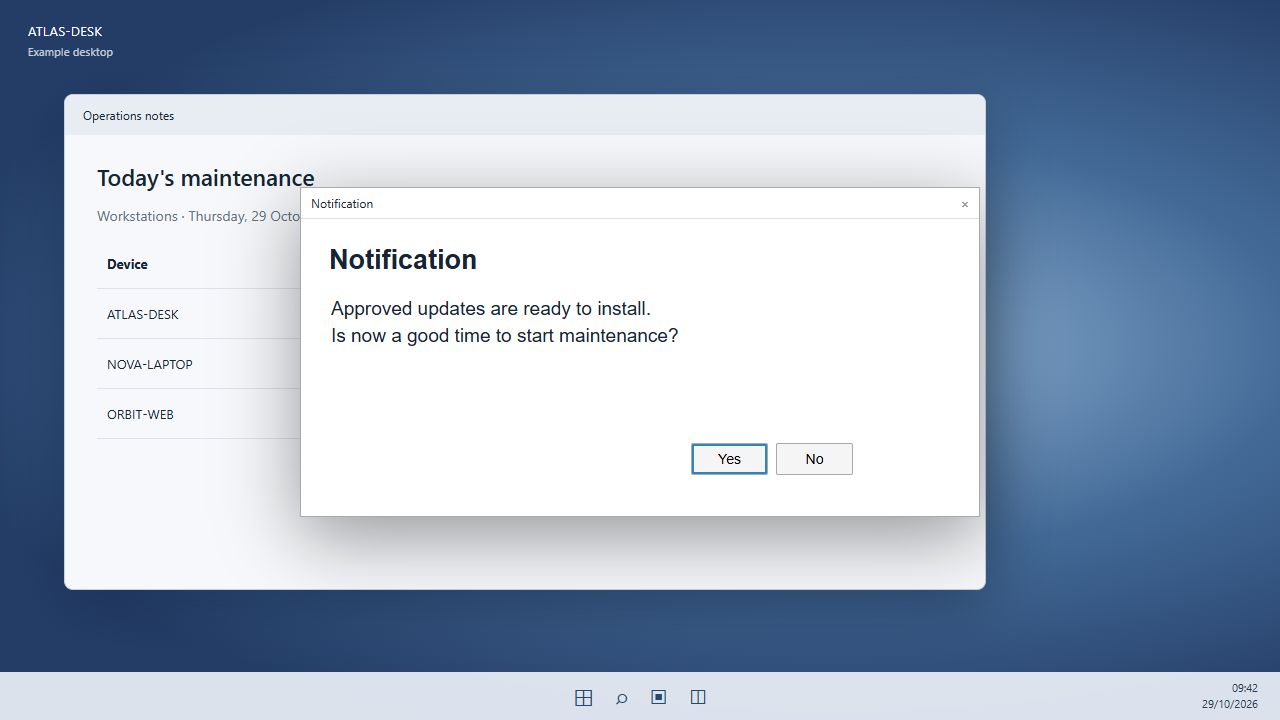
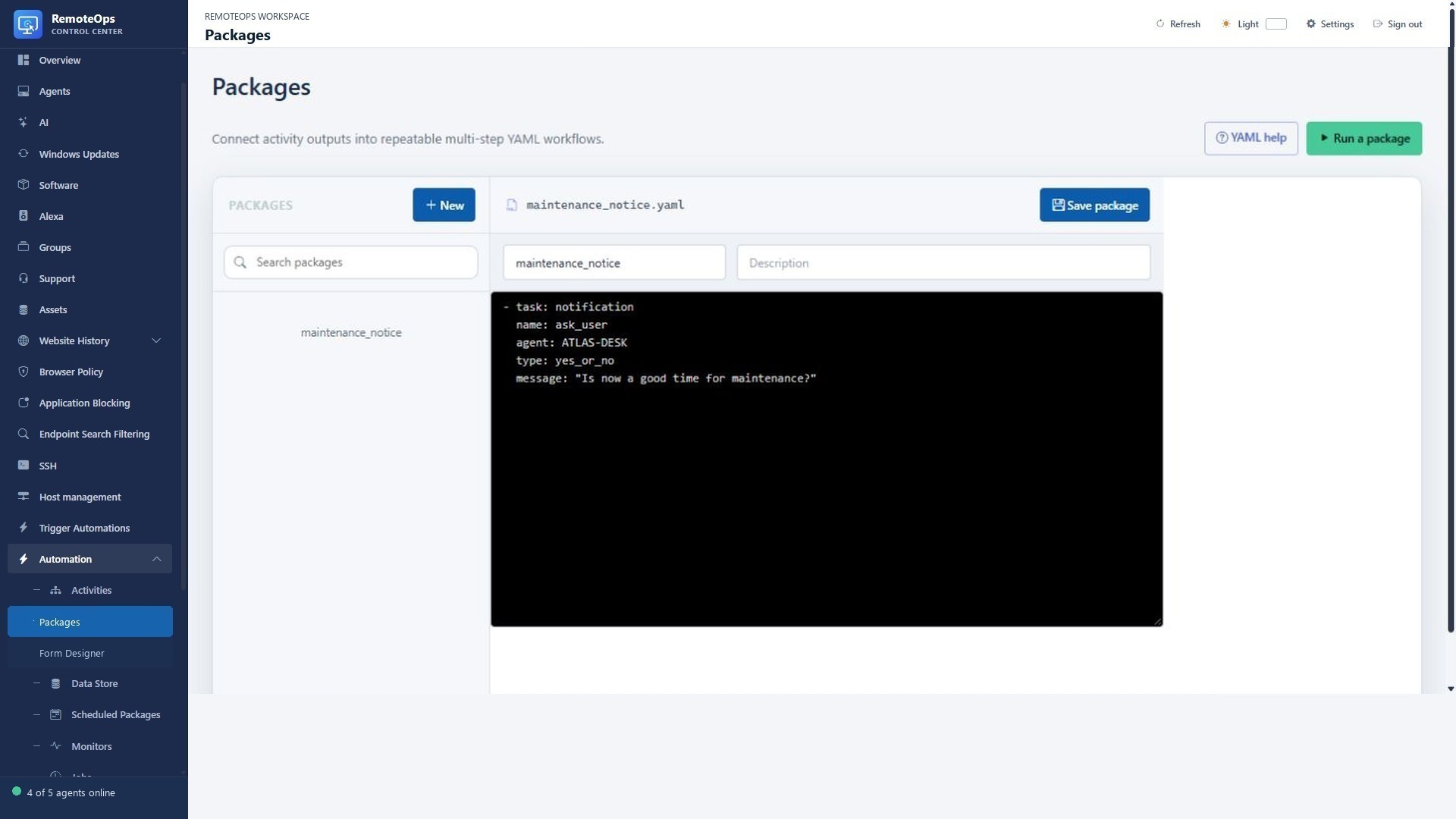
  • Ask a Yes/No question and expose the reply to later workflow steps.
  • Build message content from outputs of an earlier task.
Connect messages to real work

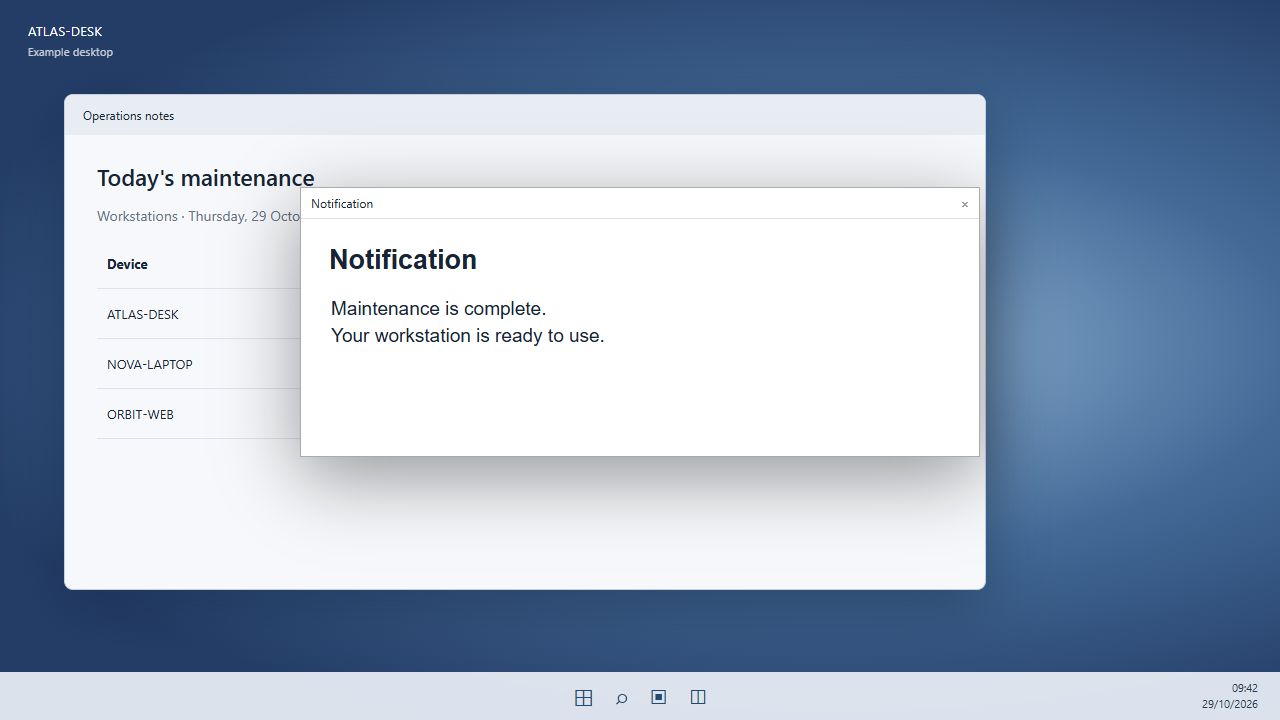
  • Announce maintenance before a task begins and report its result afterwards.
  • Ask a signed-in user whether they are ready before continuing a package.
  • Send an SMTP email with plain text or HTML and optional CC/BCC.
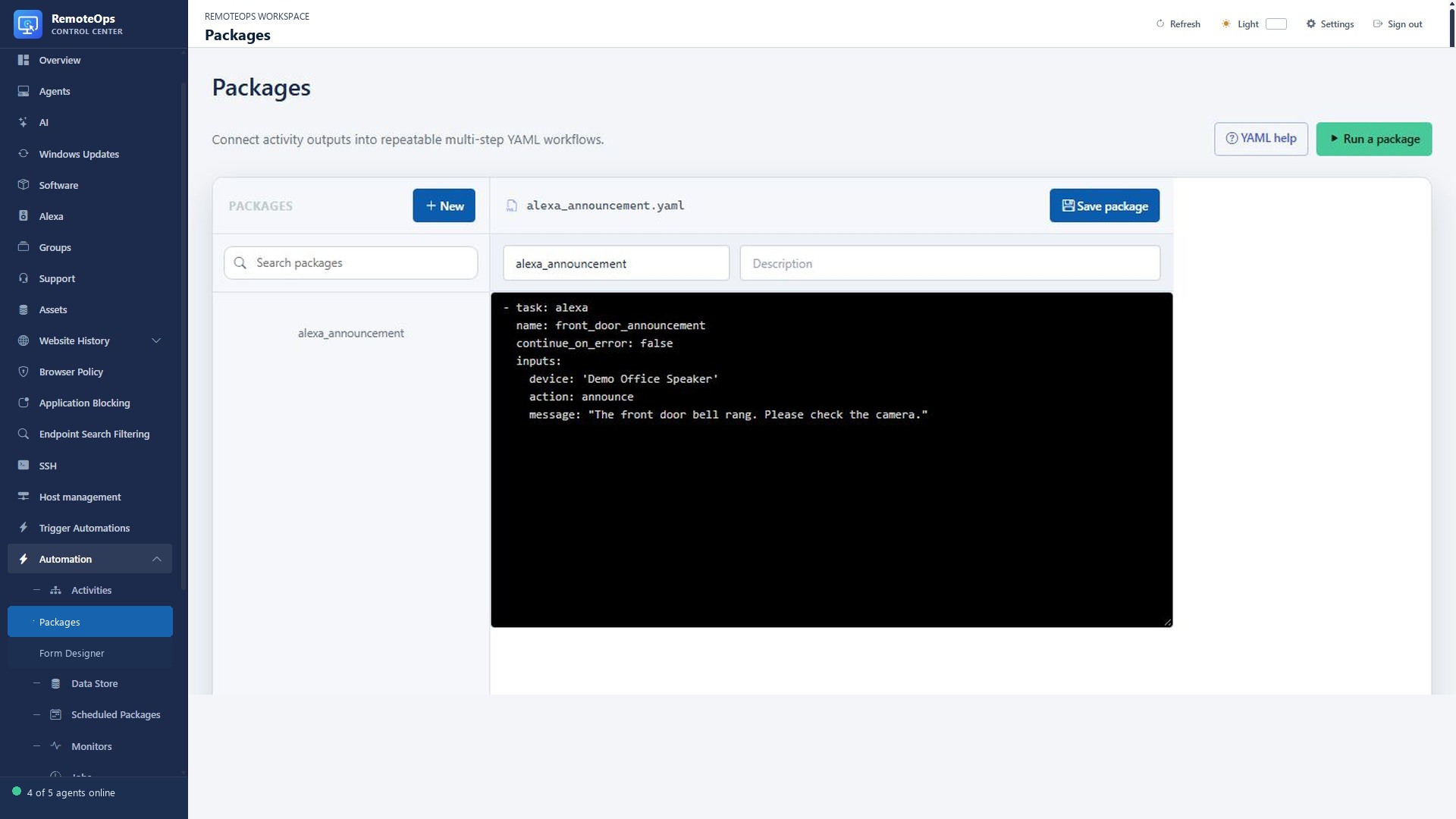
  • Discover Alexa devices and send announcements, speech, music or playback commands.

Bring events to the screen

  • Display a timed RTSPS camera overlay to a signed-in Windows user.
  • Add an optional bell for an arrival or doorbell workflow.
  • Set a freshness limit so delayed camera events do not show stale video.
  • A delivered message is not a read receipt; a timed-out question has no reply.

Notify users and act on their replies

PUT IT TO WORK

A maintenance reminder. A real decision.

Tell the signed-in user what is about to happen, ask whether now is a good time, and let the package choose the next step. Follow up with the result instead of leaving people guessing.

Explore the documentation ↗

KEEP EXPLORING

Product screenshot