← All features

PACKAGES & FORMS

Automation packages and visual forms

Build reusable workflows and friendly forms across Windows and Linux.

Read the detailed guide ↗
Packages & forms
Packages & forms
Packages & forms

WHAT YOU CAN DO

Build repeatable operations

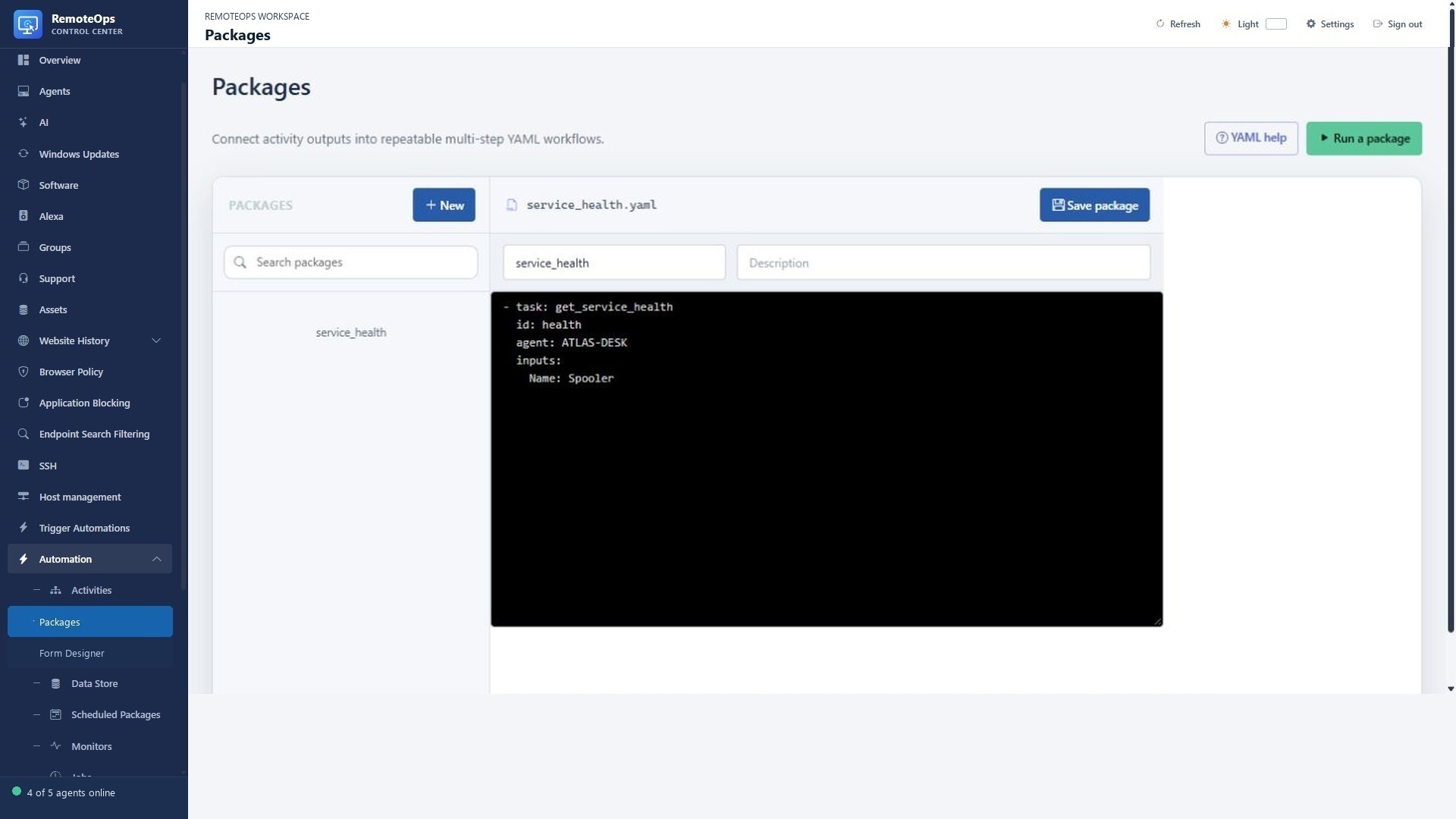
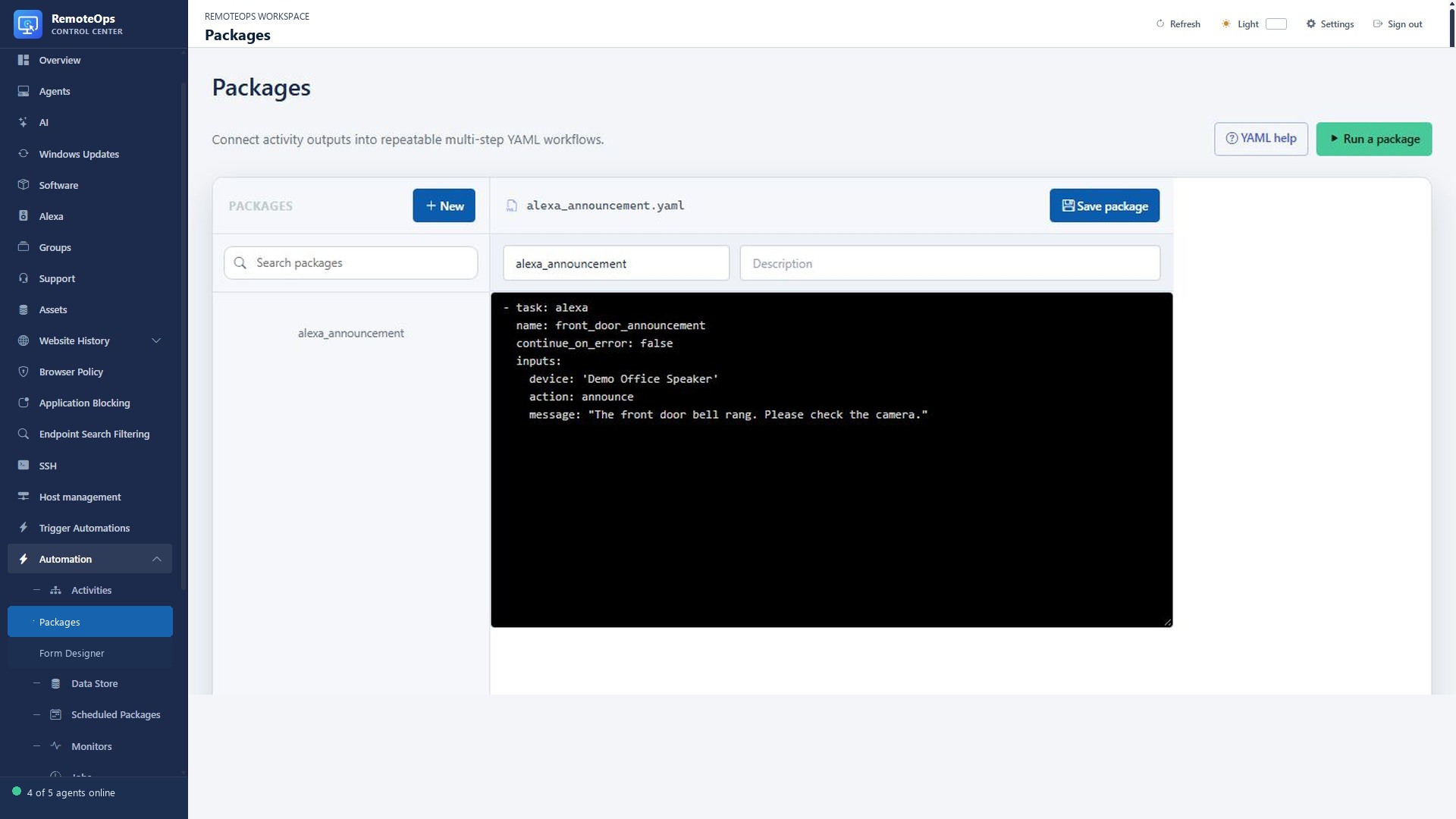
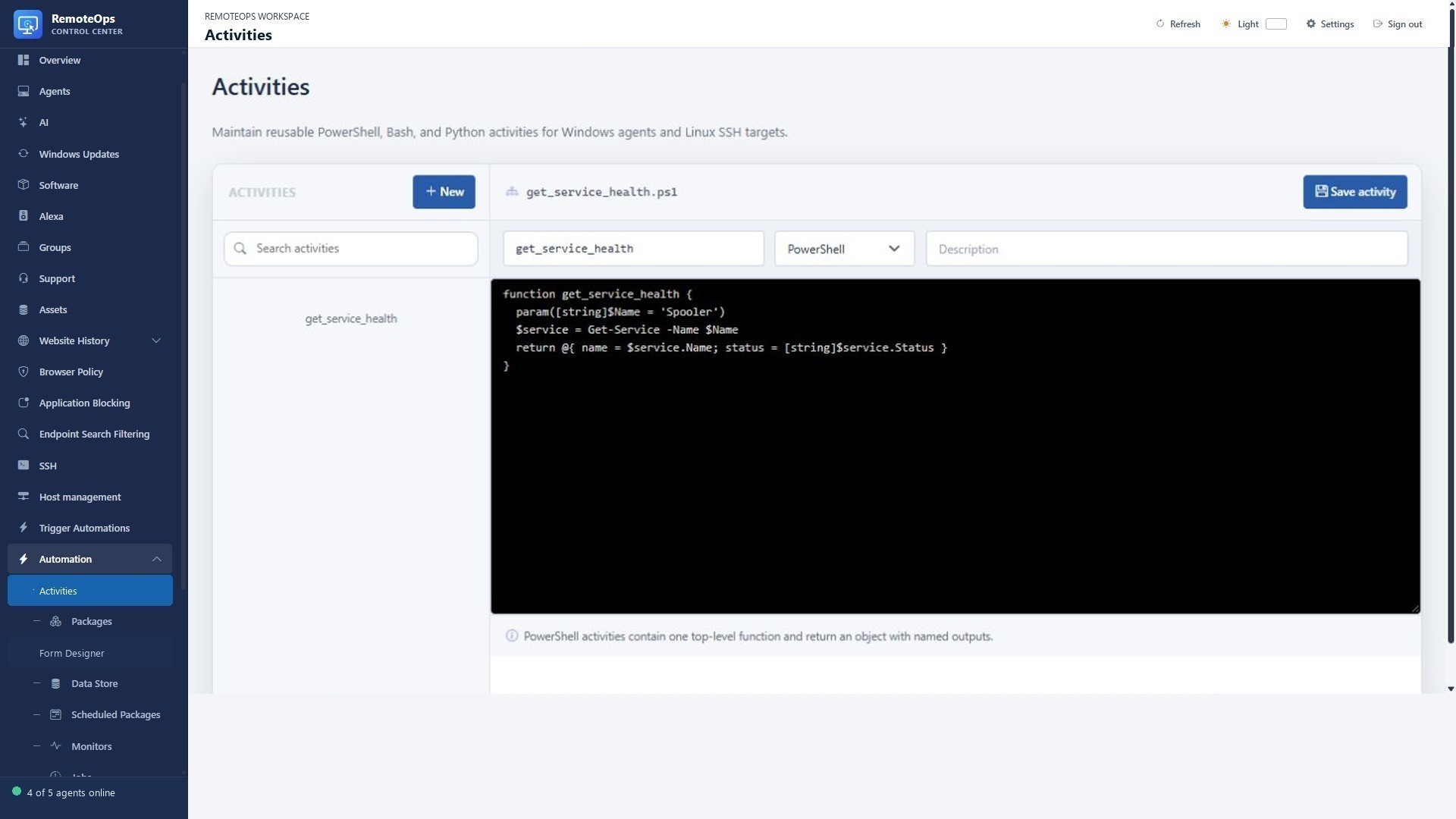
  • Compose saved PowerShell activities for Windows and Bash/Python activities for SSH hosts.
  • Pass structured JSON outputs between steps and choose targets dynamically.
  • Add conditional skips, loops, stop conditions and parallel work.
  • Store shared non-secret state in Data Store and retrieve secrets through Key Vault.
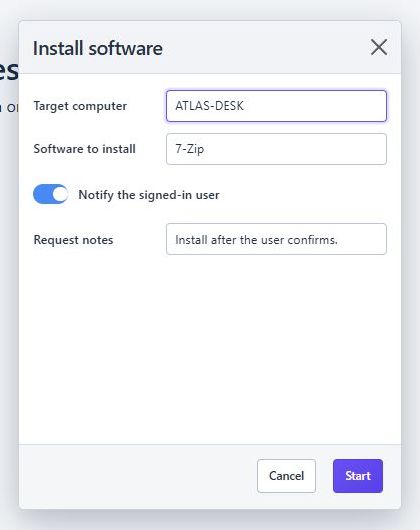
Put a simple form in front

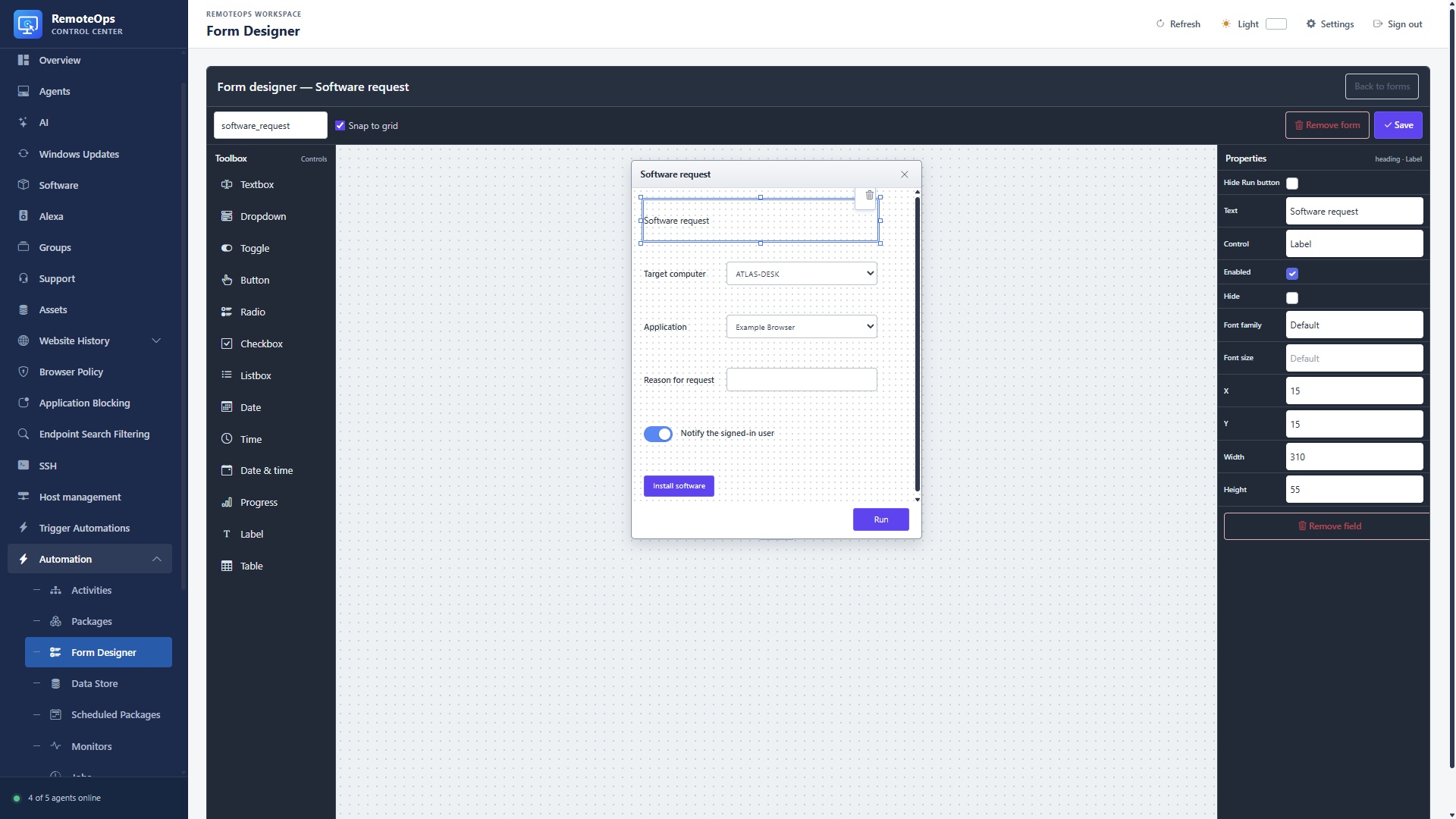
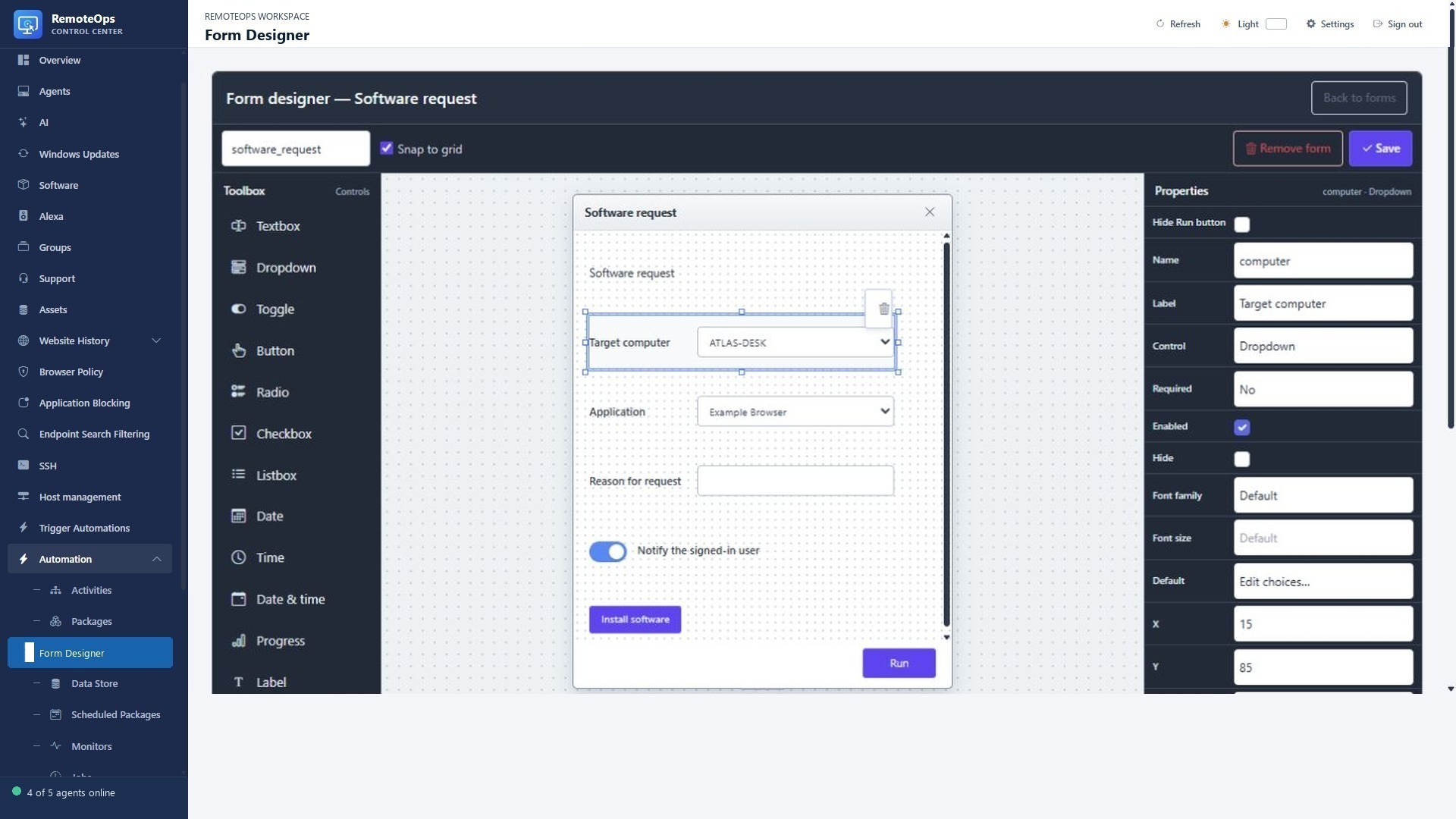
  • Design forms visually and save them in the form library.
  • Collect text, dropdown choices, toggles, checkboxes, radio/list selections, dates and times.
  • Display result tables, labels and progress alongside actionable controls.
  • Use field events and button actions to refresh choices and drive interactive workflows.

Run and verify

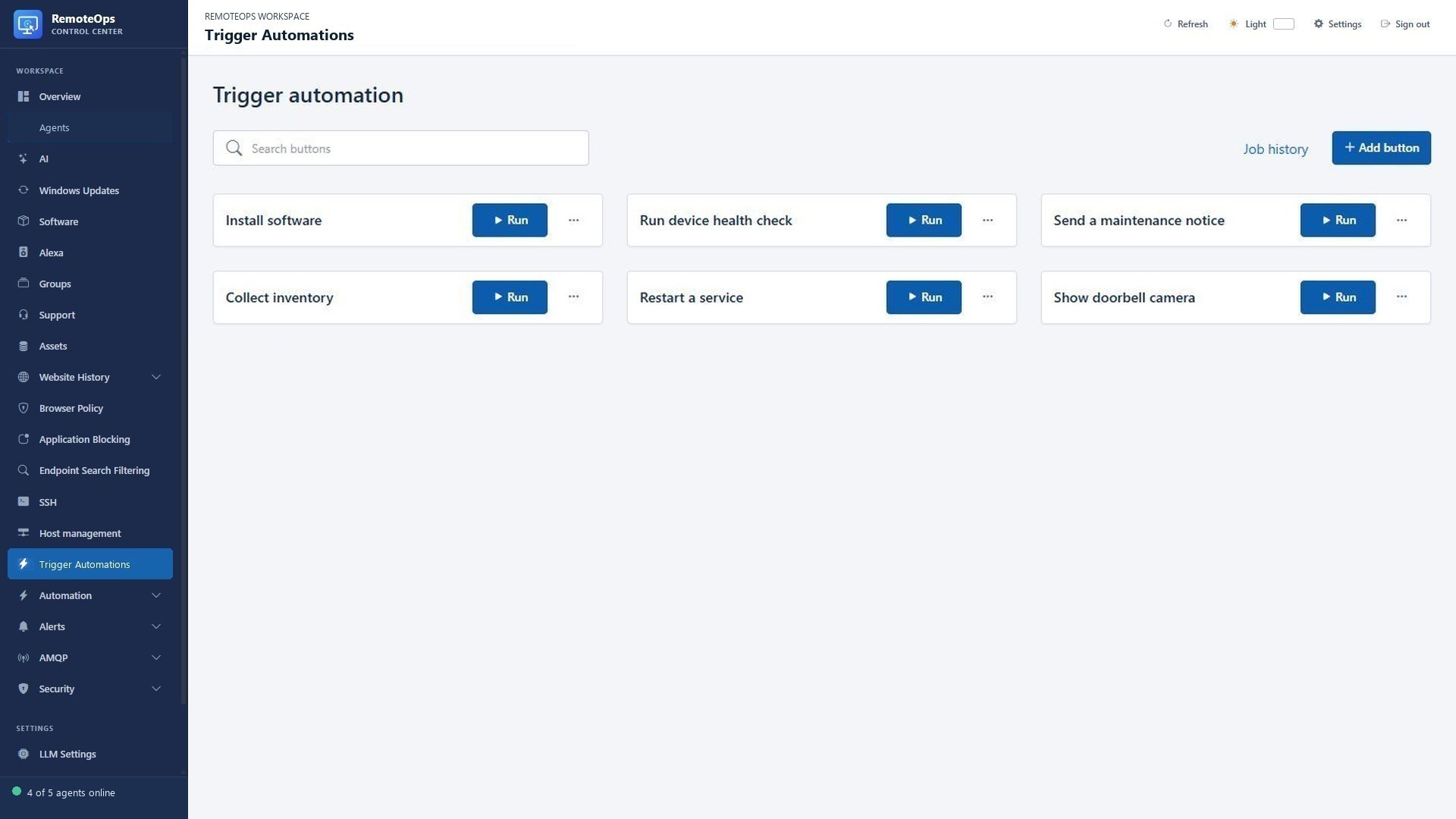
  • Expose a workflow as a named Trigger automation button.
  • Start packages manually, with cron, by webhook or from a monitoring event.
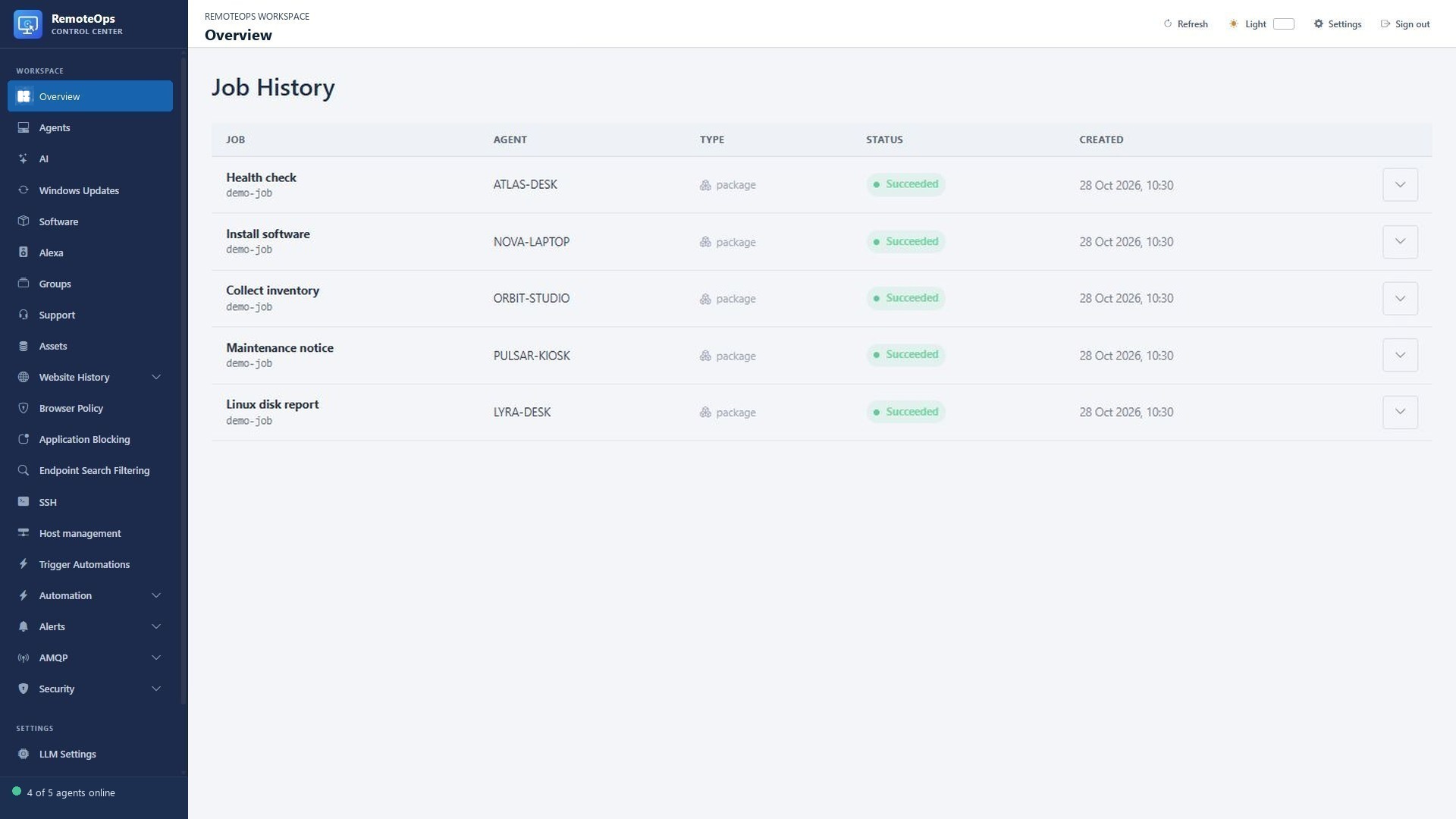
  • Inspect per-task output, errors and execution traces in Job History.
  • Cancel, retry or partially retry runs; use explicit failure handling for prerequisites.

Turn scripts into repeatable workflows

Build forms for your automation

Build with the embedded task library

PUT IT TO WORK

Make the next step easier.

Build reusable workflows and friendly forms across Windows and Linux. Keep the action and its outcome visible in the same workspace.

Explore the documentation ↗

KEEP EXPLORING

Product screenshot