← All features

REMOTE ACCESS

Remote desktop and PowerShell

Desktop control, PowerShell, temporary support and privacy controls.

Read the detailed guide ↗
Remote access
Remote access
Remote access

WHAT YOU CAN DO

Work directly on the endpoint

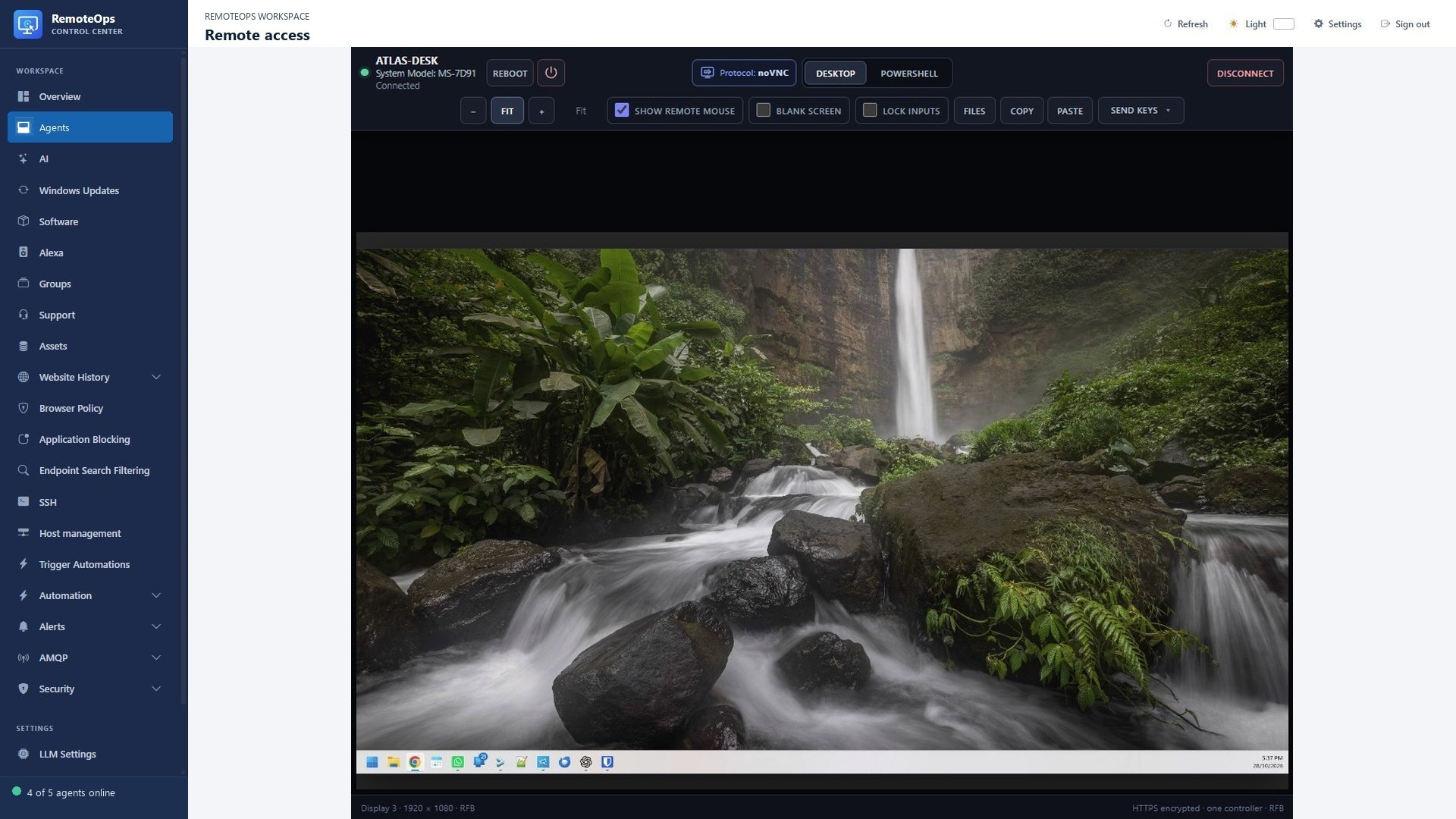
  • Open interactive or view-only Windows desktop sessions from the browser.
  • Share clipboard text, send special keys and invoke Windows security controls.
  • Use screen fitting and scaling to work within your browser window.
  • Lock, restart or shut down a device when your support task requires it.
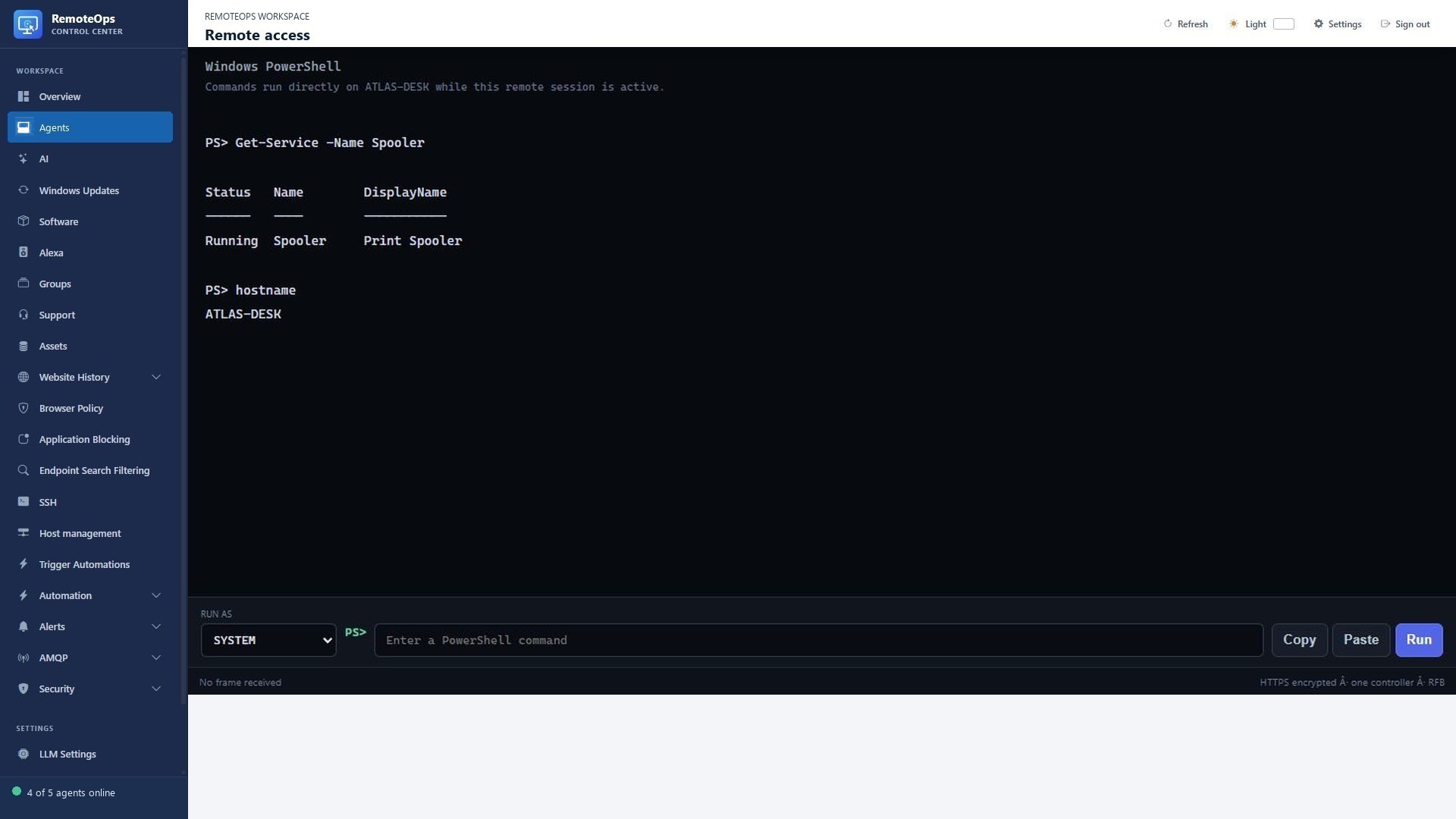
Keep support practical

  • Open PowerShell alongside the desktop and choose SYSTEM or logged-in user context.
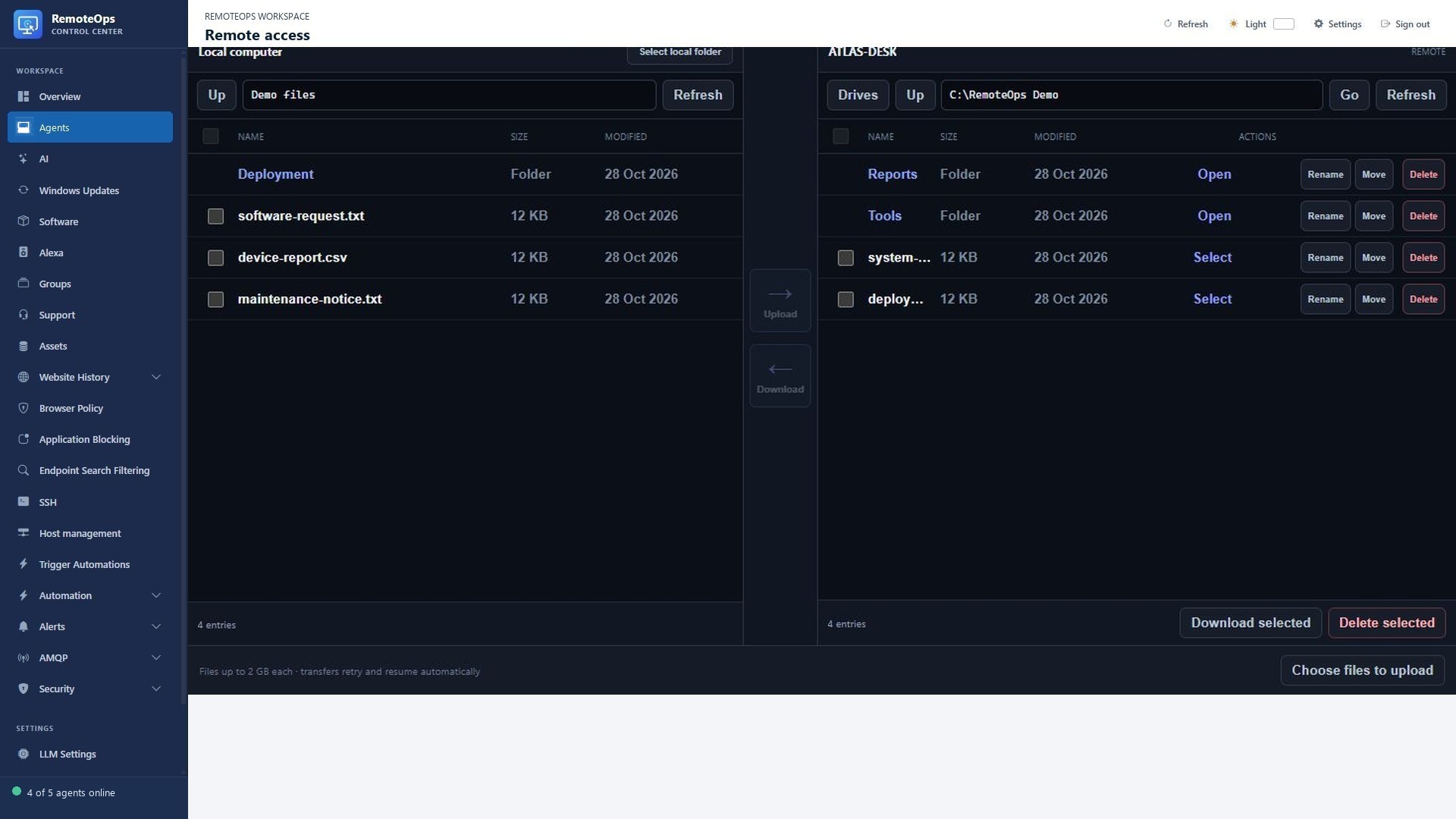
  • Transfer files through the standalone two-pane file browser.
  • Blank physical displays or block local keyboard and mouse input during an interactive session.
  • Provide temporary support through the guest page and dedicated support client.

Stay in control of the session

  • Use noVNC/RFB over the authenticated encrypted RemoteOps connection.
  • Reconnect the viewer automatically while the window remains open.
  • Privacy overlays and input locks are released on disconnect and other fail-safe conditions.
  • Windows security sequences and workstation state can limit desktop interaction.

Remote desktop, PowerShell and file access

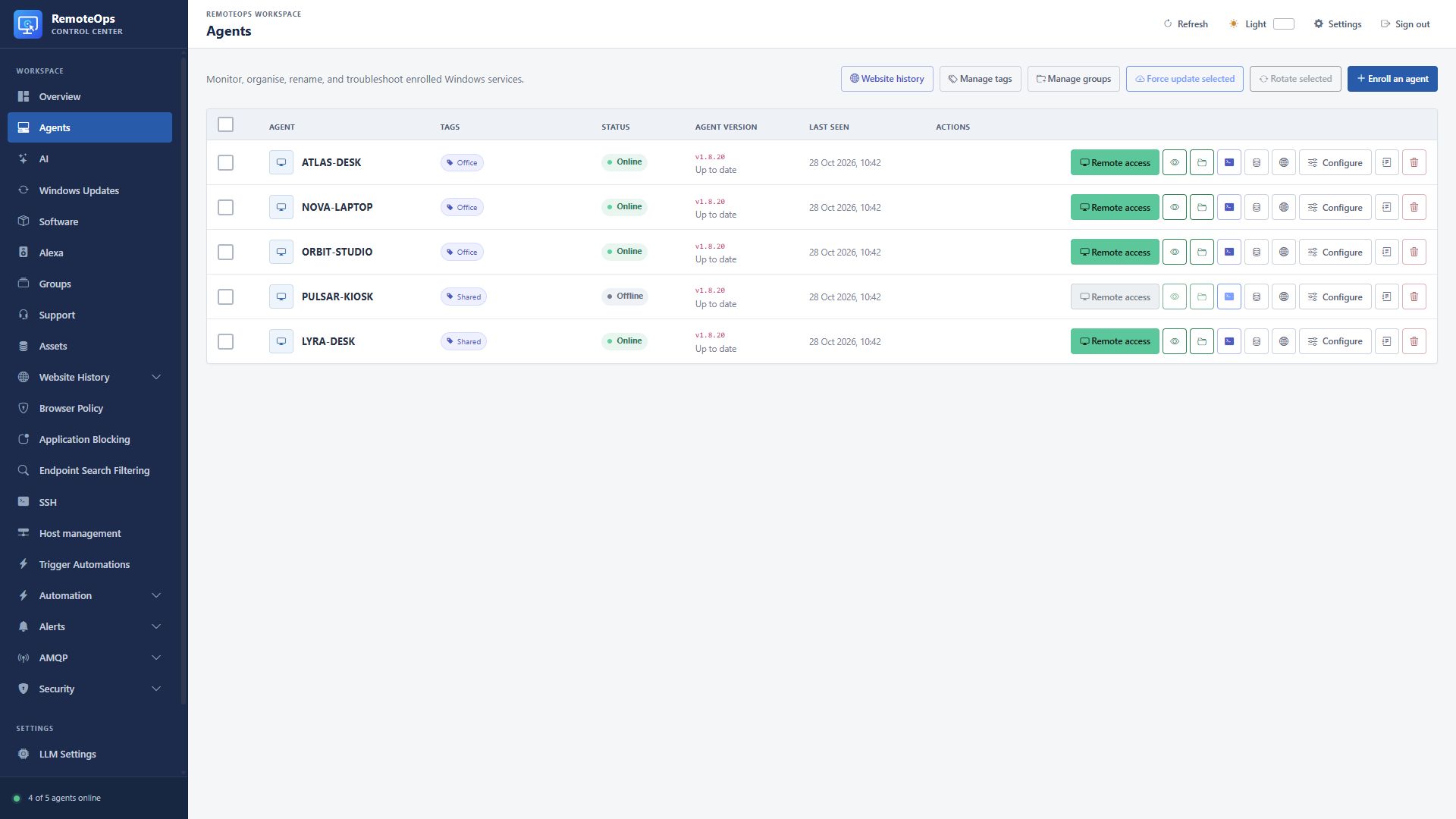
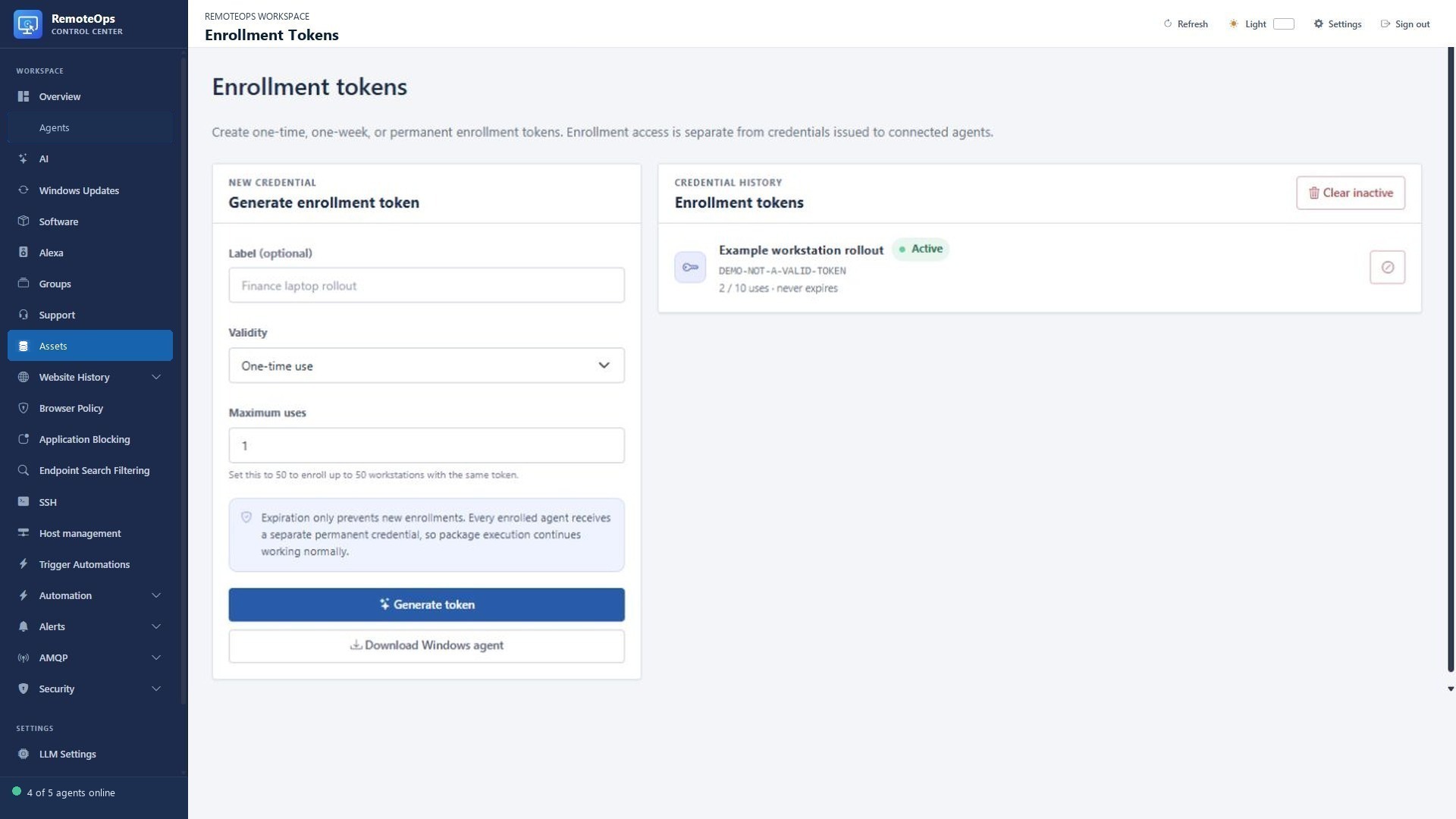
Install the agent and connect your first device

Agent installation: interactive, unattended and troubleshooting ↗

PUT IT TO WORK

Make the next step easier.

Desktop control, PowerShell, temporary support and privacy controls. Keep the action and its outcome visible in the same workspace.

Explore the documentation ↗

KEEP EXPLORING

Product screenshot