← All features

BROWSING VISIBILITY

Browsing history and visibility

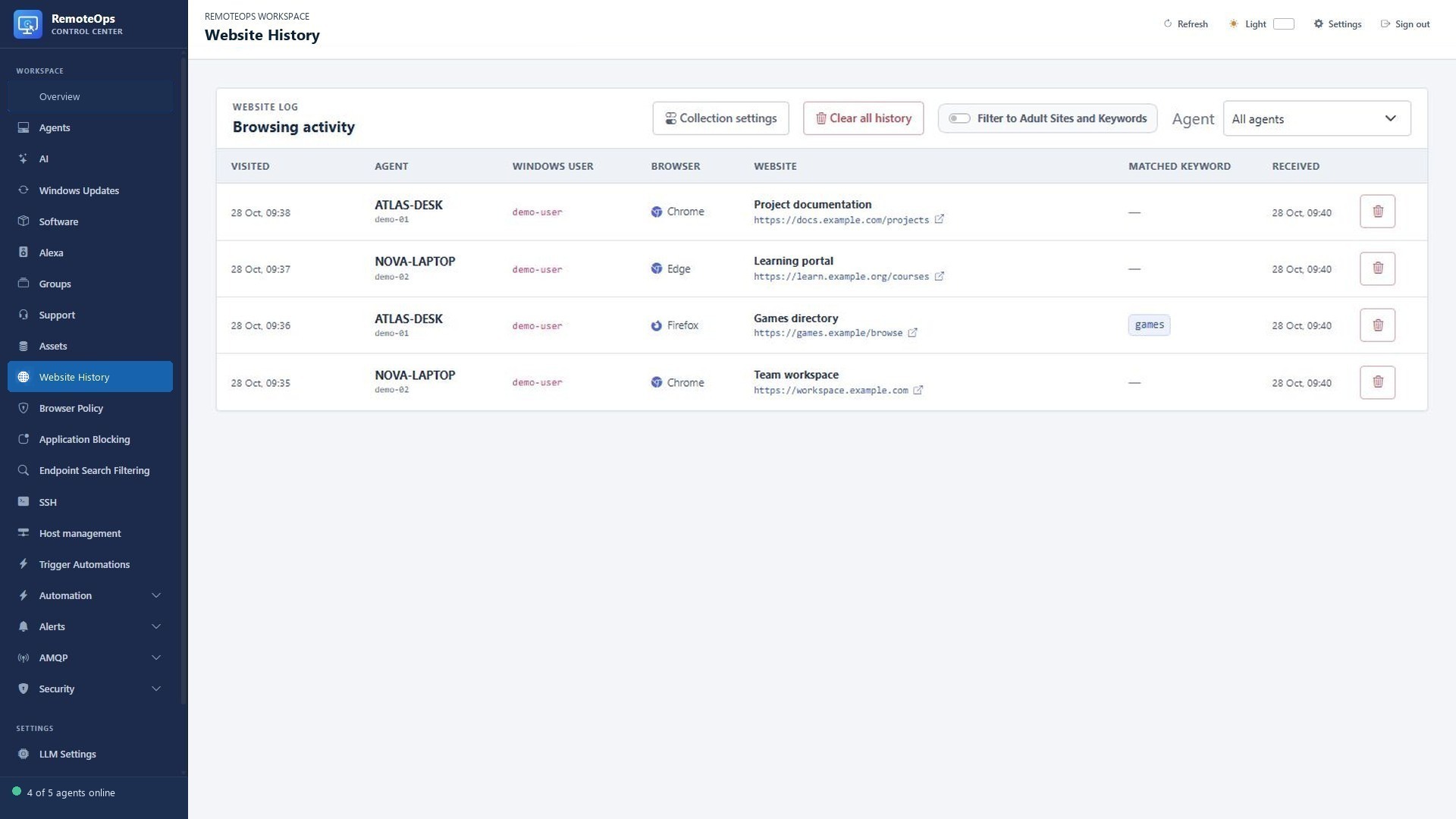
Review recent browser history by device, user, URL and keyword.

Read the detailed guide ↗
Browsing visibility
Browsing visibility
Browsing visibility

WHAT YOU CAN DO

Understand recent visits

  • View saved Chrome, Edge and Firefox history for the selected Windows user.
  • See page titles, URLs, visit timestamps, browser and associated device.
  • Find a specific device or use keyword matches to narrow the list.
  • Inspect collection status and errors rather than guessing whether a report is complete.

Control collection

  • Enable collection only for the devices you choose.
  • Request a fresh collection from an online device or all eligible online devices.
  • Manage classification keywords and regular-expression URL exemptions.
  • Clear individual entries or device history, with a cutoff that prevents old cleared visits returning.

Know the boundaries

  • Collection reads saved browser history rather than network traffic.
  • Private/incognito visits that the browser does not save are not collected.
  • Recent collection is bounded; this is not an unlimited audit of every visit.
  • History collection and website blocking are independent settings.

See the pages viewed on managed Windows devices

PUT IT TO WORK

Make the next step easier.

Review recent browser history by device, user, URL and keyword. Keep the action and its outcome visible in the same workspace.

Explore the documentation ↗

KEEP EXPLORING

Product screenshot