← All features

FILE MANAGEMENT

Remote file management

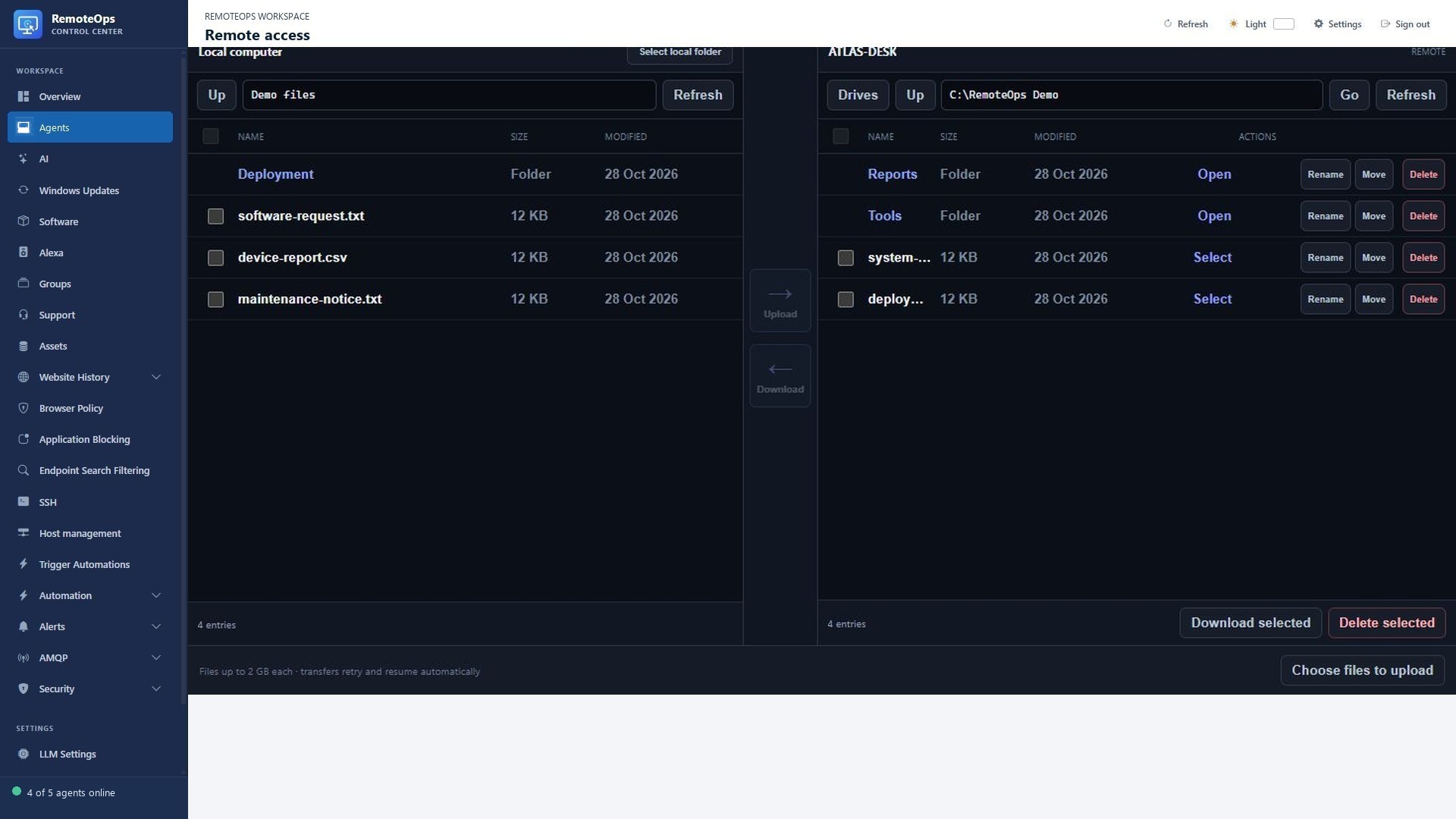
Move between local and remote folders without leaving the browser.

Read the detailed guide ↗
File management
File management
File management

WHAT YOU CAN DO

A familiar two-pane workflow

  • Select a local folder and browse target folders in a separate pane.
  • Upload and download selected files without opening a desktop session.
  • Rename, move and delete remote files and folders.
  • Drag selected items onto destination folders or between supported transfer panes.
Handle practical support files

  • Transfer Windows files up to 2 GB each using acknowledged chunks.
  • Recover upload progress within the session and retry interrupted uploads.
  • Download multiple selected remote files.
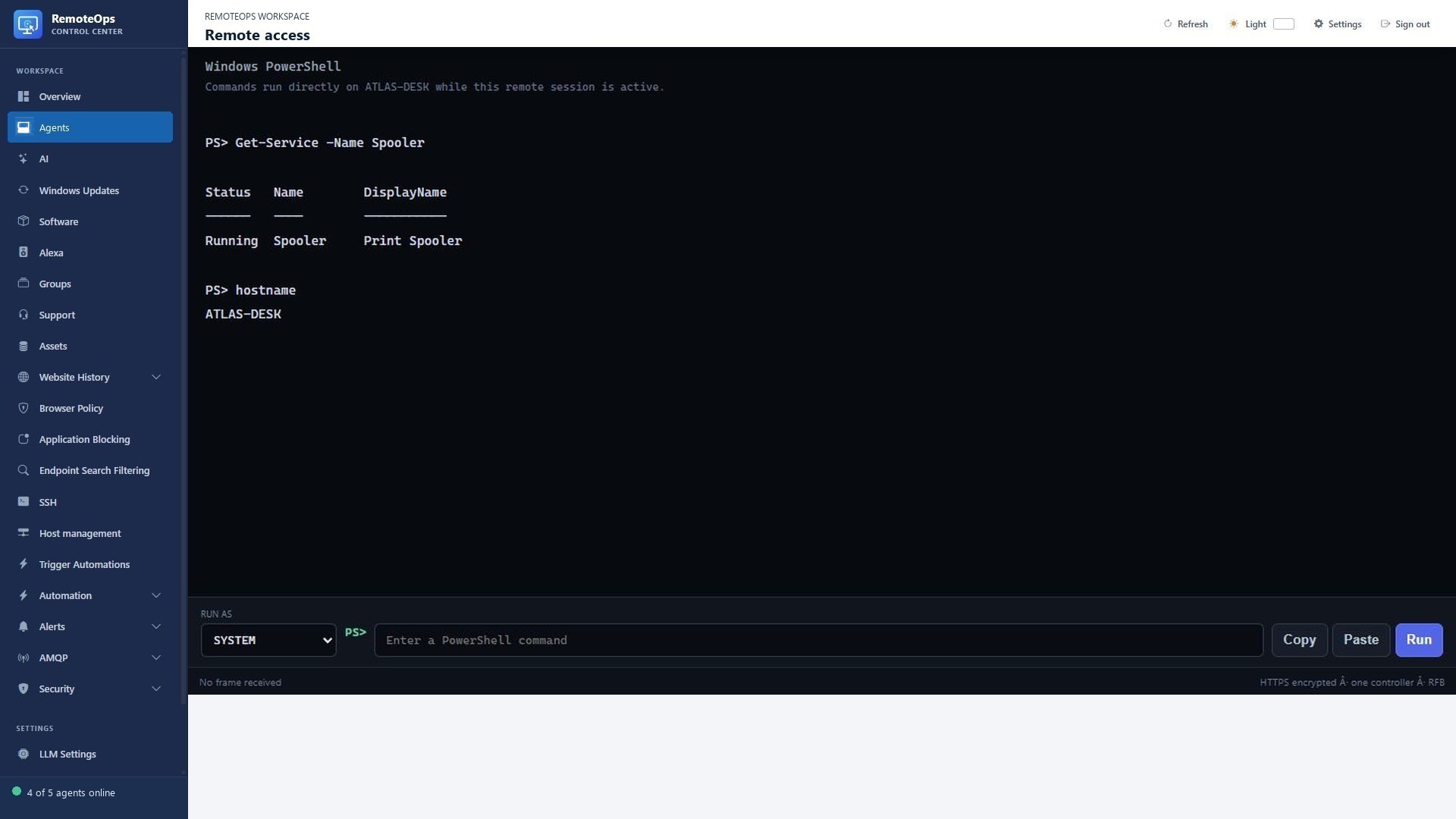
  • Perform Windows file operations in the background without opening Explorer on the endpoint.

Bring SSH files into the workflow

  • Open File transfer from an SSH profile or a connected terminal toolbar.
  • Transfer through SCP over the existing server-side SSH connection.
  • Navigate directories and manage quoted or Unicode filenames.
  • Deletion is permanent, local folder access needs browser permission, and remote OS permissions still apply.

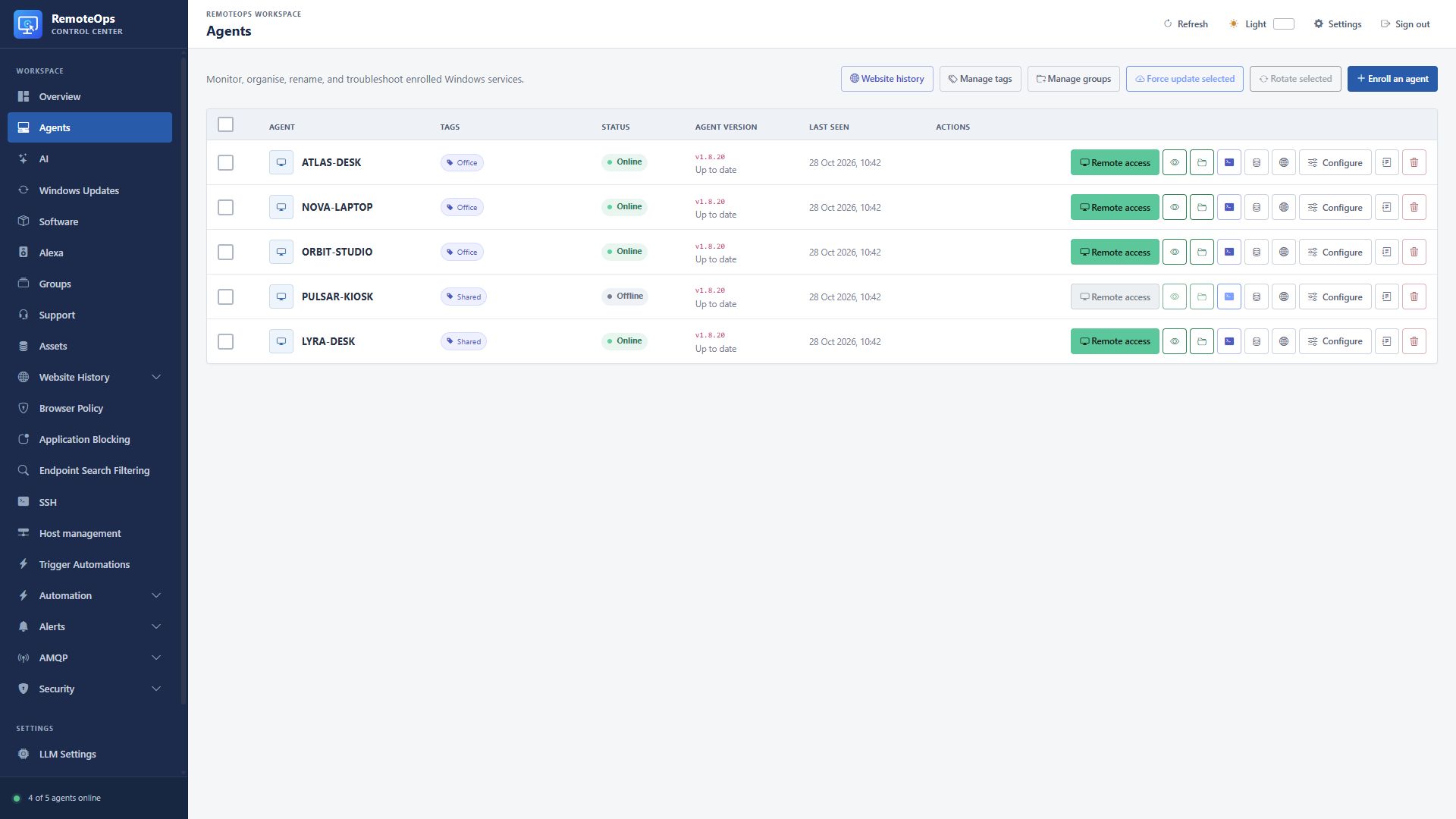
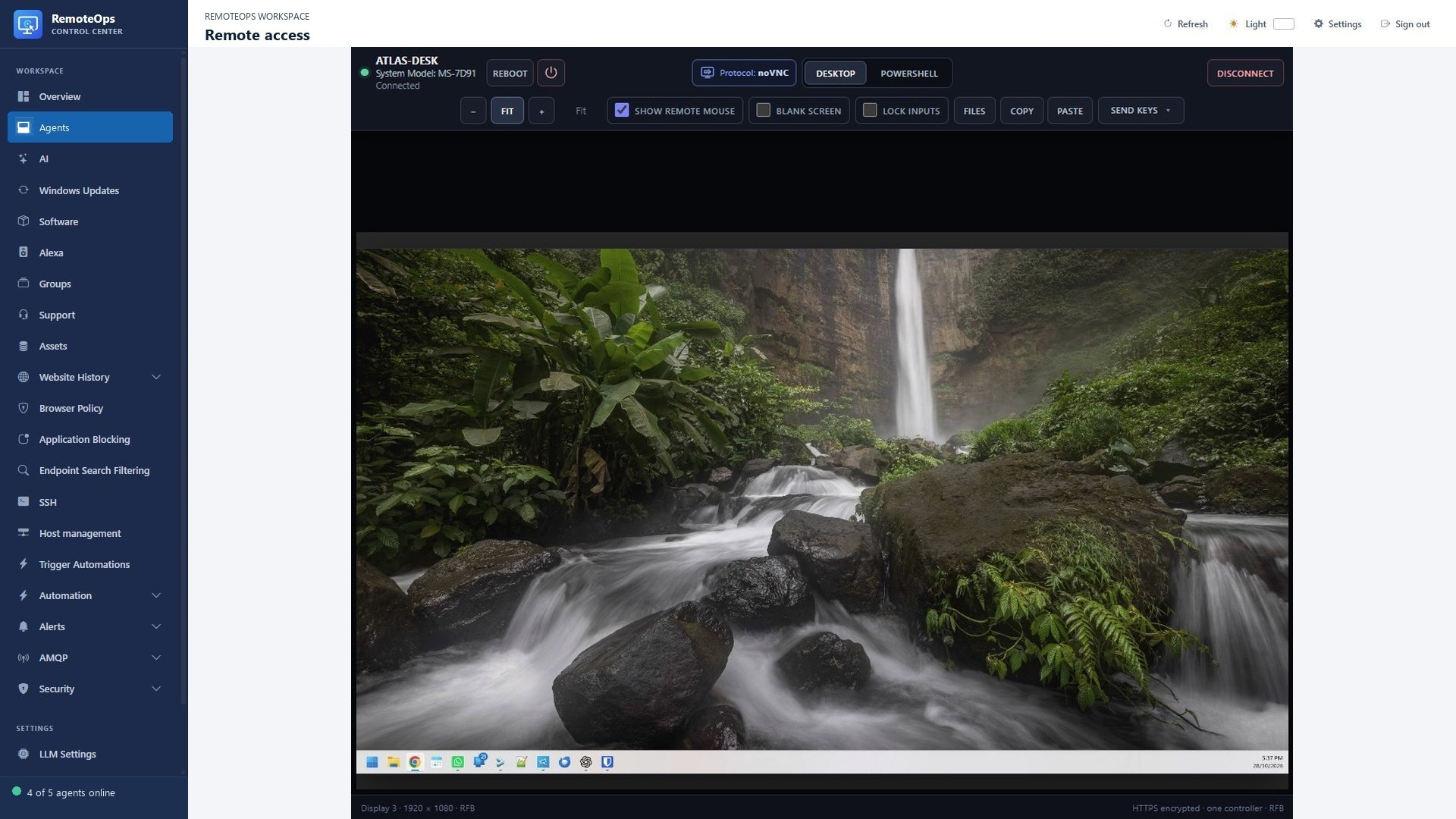
Remote desktop, PowerShell and file access

PUT IT TO WORK

Make the next step easier.

Move between local and remote folders without leaving the browser. Keep the action and its outcome visible in the same workspace.

Explore the documentation ↗

KEEP EXPLORING

Product screenshot