← All features

CREDENTIALS & RECOVERY

Credentials, shared data and recovery

Encrypted credentials, signed updates and independent agent recovery.

Read the detailed guide ↗
Credentials & recovery

WHAT YOU CAN DO

Manage credentials

  • Store SSH passwords and private keys encrypted.
  • Use prompt-on-connect when a saved password is not appropriate.
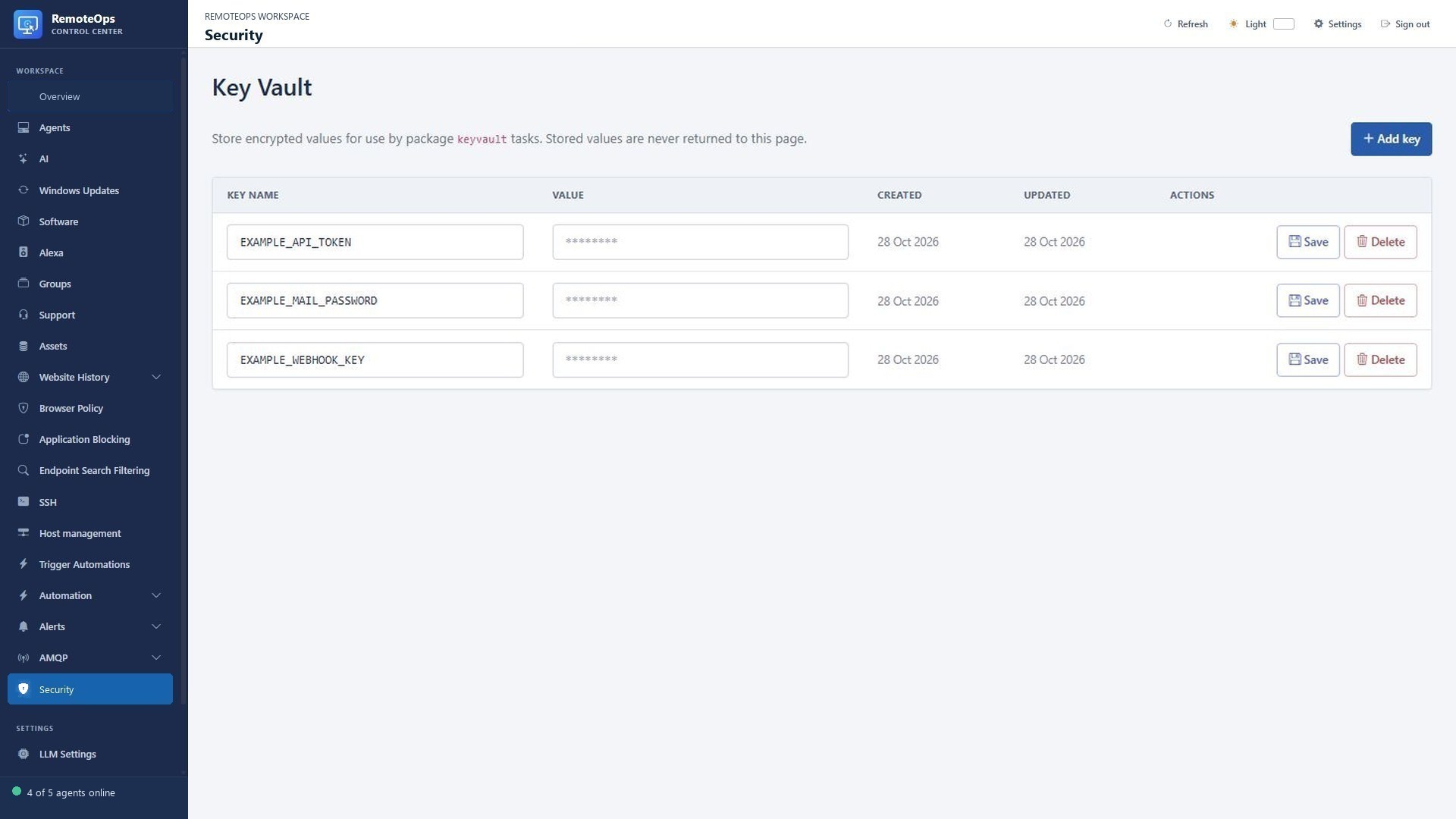
  • Read Key Vault secrets inside workflows without exposing them in the portal list.
  • Export and restore supported credentials using a password-encrypted key backup.
Keep agents recoverable

  • Verify signed update manifests and downloaded installer hashes.
  • Use the independent recovery service when the main agent is unhealthy.
  • Restore the previous main binary when update health checks fail.
  • Revoke device credentials during uninstall or administrative removal.

Know what each tool protects

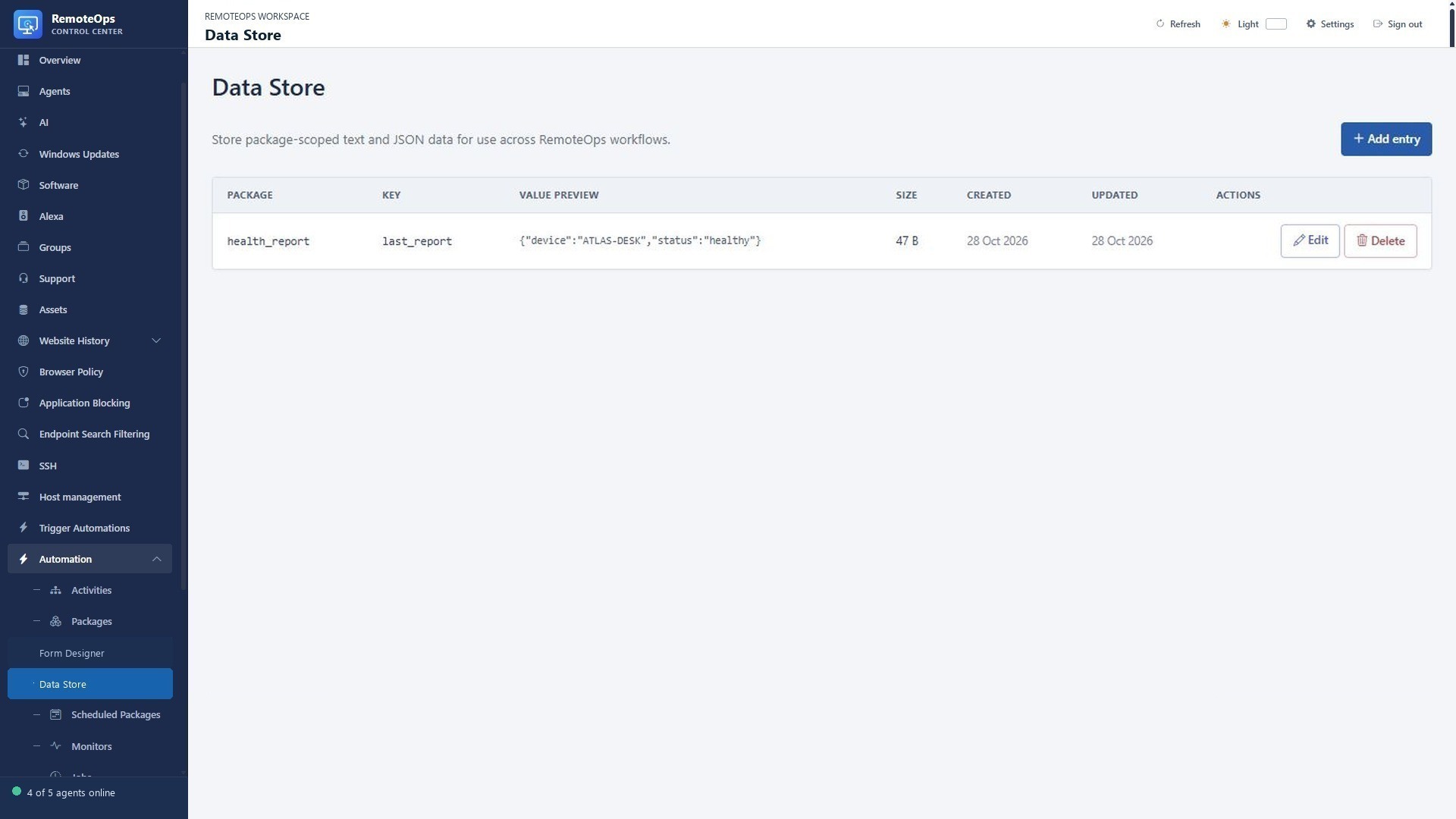
  • Data Store is for non-secret workflow state and is not encrypted.
  • Remote access and command execution use the permissions of the selected execution context.
  • Encrypted key backup does not back up the entire RemoteOps service.
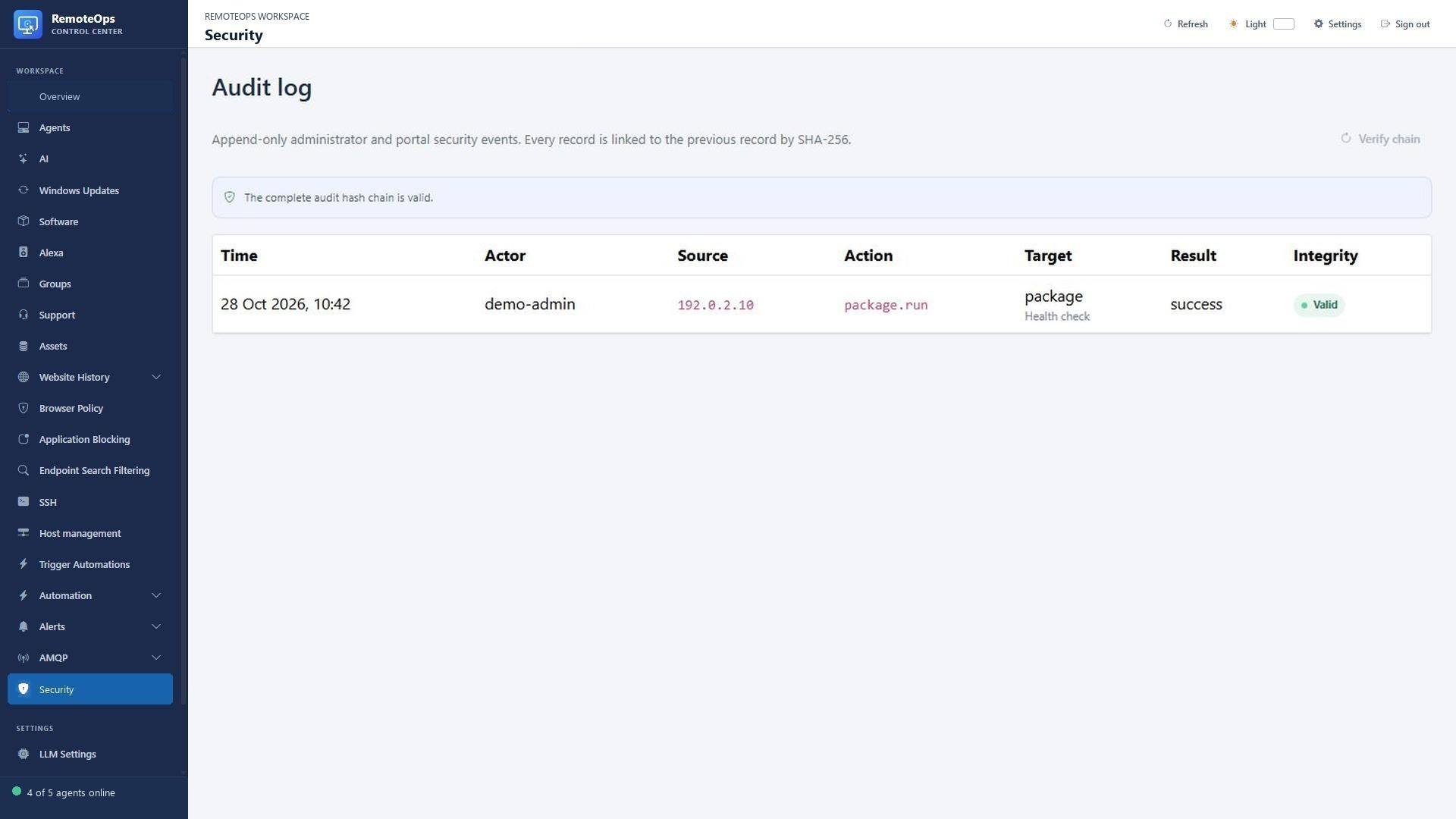
  • Protect administrator access, review job output and treat webhook identifiers as secrets.

Keep workflow secrets and shared data organised

PUT IT TO WORK

The secret belongs in Key Vault.

Keep API credentials in Key Vault and read them only when a package needs them. Store a non-secret report or checkpoint in Data Store for the next run.

Explore the documentation ↗

KEEP EXPLORING

Product screenshot