← All features

SSH WORKSPACES

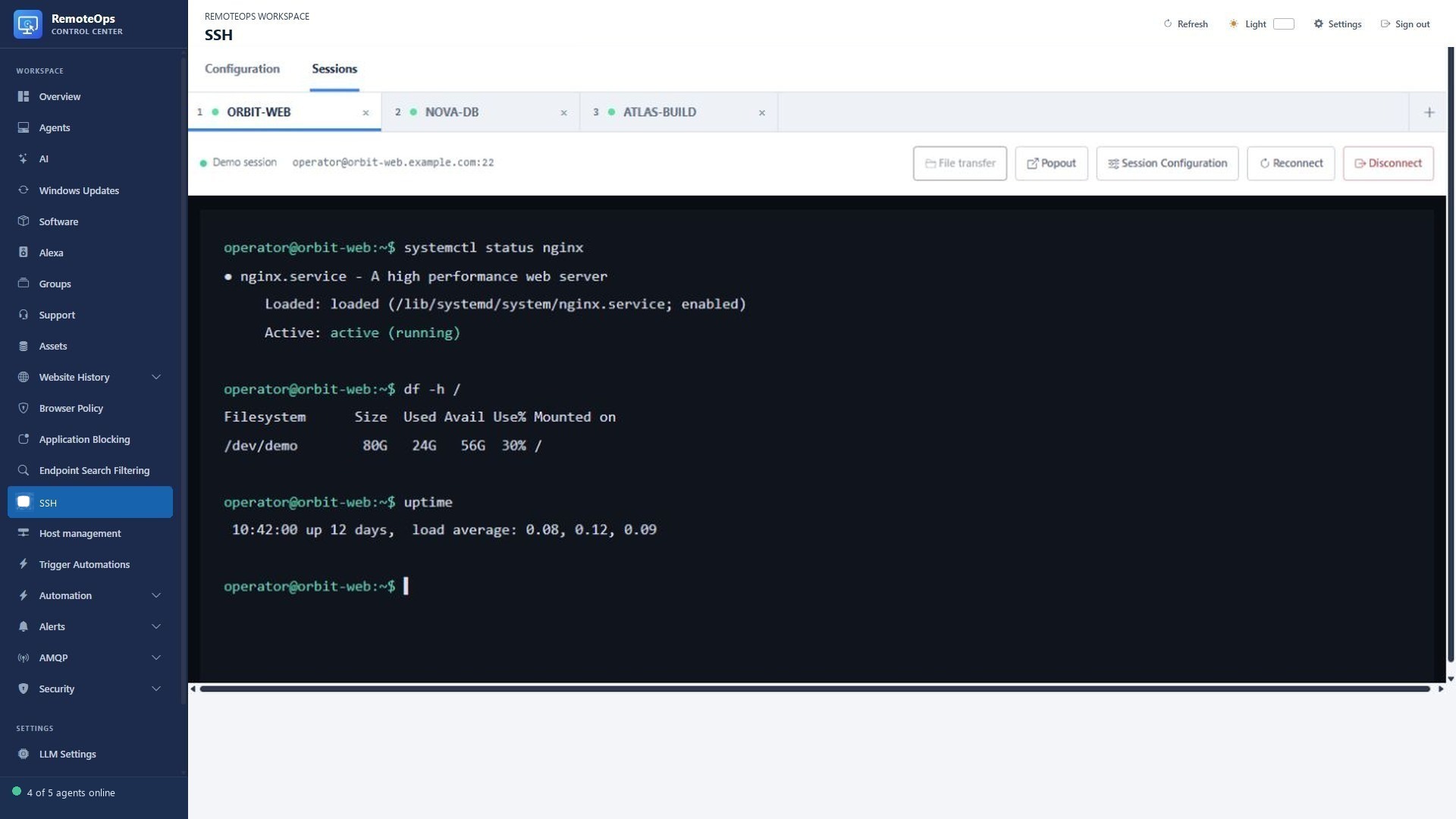
Tabbed SSH and Linux administration

Tabbed terminals, saved profiles and SCP transfers for SSH hosts.

Read the detailed guide ↗
SSH workspaces
SSH workspaces
SSH workspaces

WHAT YOU CAN DO

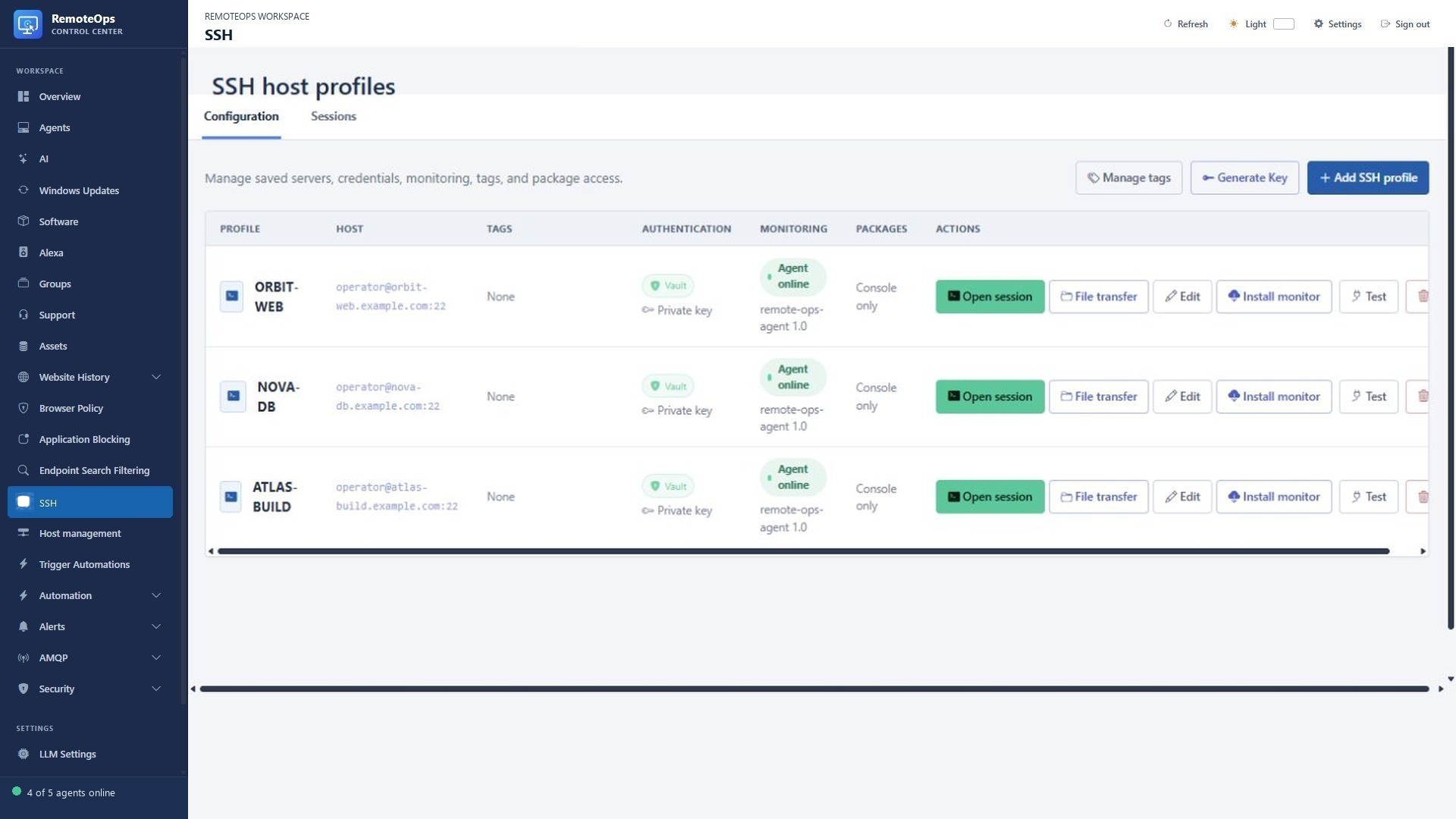
Keep a workspace of hosts

  • Save named SSH profiles with hostname, port, username and tags.
  • Open multiple server tabs and move between them in the same workspace.
  • Pop out a terminal and adjust session appearance.
  • Test saved connections and reconnect a session when necessary.
Use the right authentication

  • Save encrypted passwords or private keys.
  • Ask for a password on connect when you do not want it stored.
  • Generate an Ed25519 key and install its public key on a target.
  • Maintain known-host records and saved hostname aliases, including CSV import.

Go beyond a terminal

  • Run saved Bash/Python activities and inline SSH package tasks with eligible private-key profiles.
  • Open SCP file transfer without leaving the profile or session.
  • Install the lightweight Linux monitoring service on supported hosts.
  • SSH connections originate from the RemoteOps service; target reachability and OS permissions matter.

Administer Linux hosts in tabbed SSH sessions

PUT IT TO WORK

Make the next step easier.

Tabbed terminals, saved profiles and SCP transfers for SSH hosts. Keep the action and its outcome visible in the same workspace.

Explore the documentation ↗

KEEP EXPLORING

Product screenshot