 RemoteOpsGet started
 INTEGRATE
Alexa devices and voice-triggered automation
Account connection, discovery, speech, playback and package task fields.
Examples use remoteops.example.com and fictional systems. Adapt them to your tenant.
Screen reference#
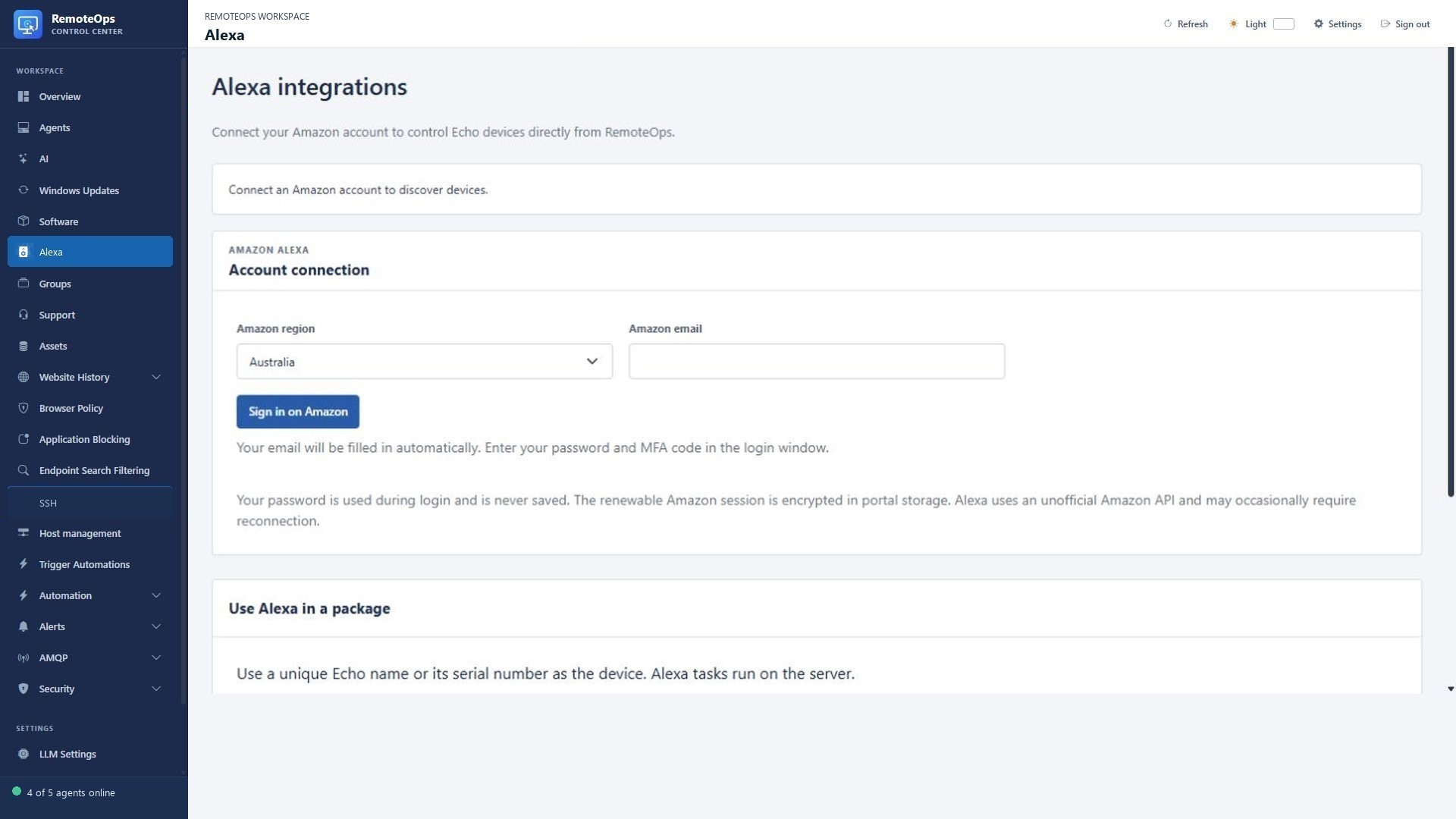
Choose the Amazon region and account email, then complete sign-in and MFA in the Amazon window. Device discovery and playback controls appear after connection. This example does not connect an account.
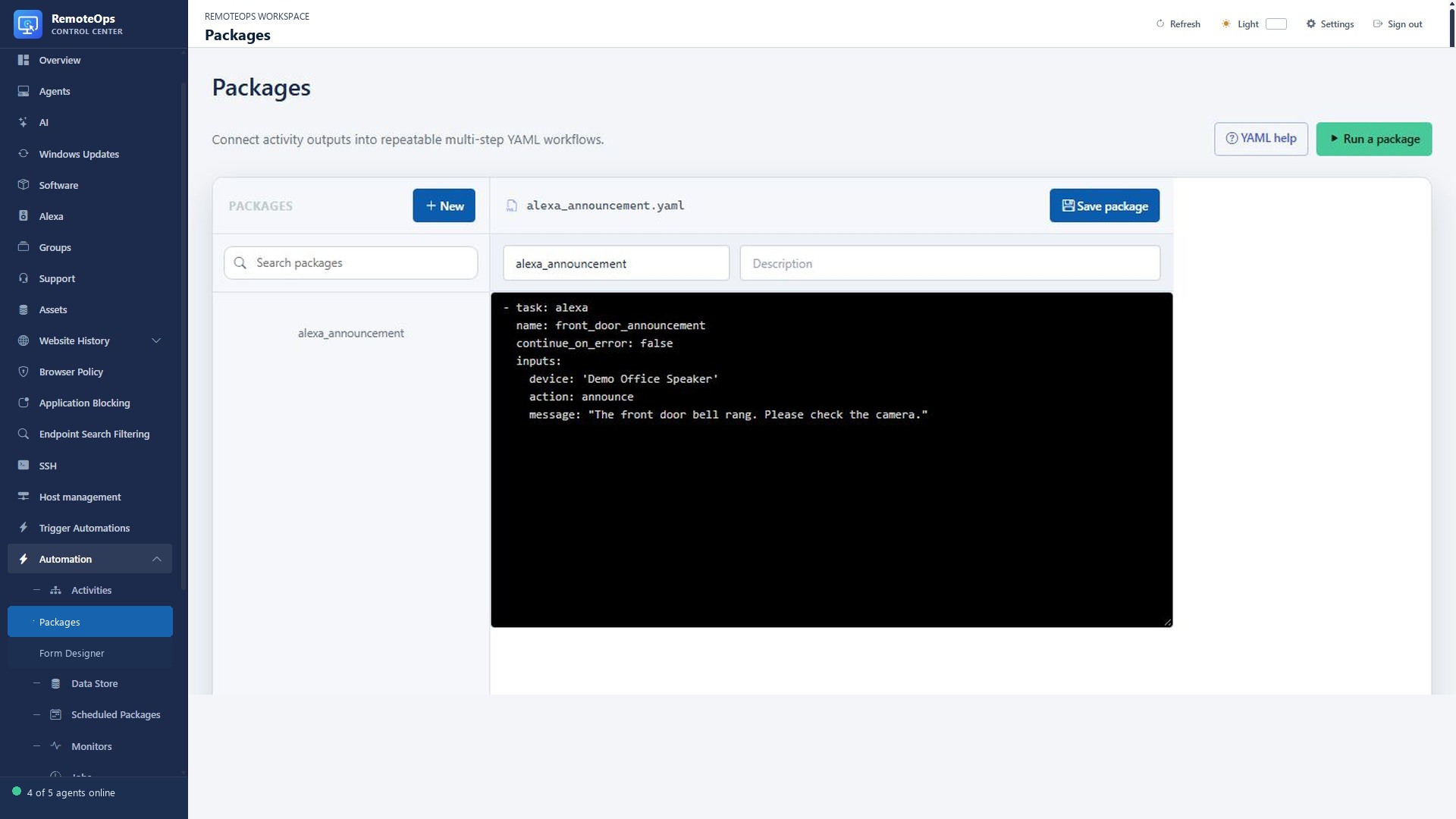
This package calls the Alexa task with the announce action, a selected demo speaker and a spoken message. The text-to-speech task runs on the coordinator; it is not an endpoint command.
Connect and discover#
Use the tenant's Alexa section to connect the intended Amazon account and discover its supported devices. Select an exact unique device name or serial number. Refresh discovery if a device is missing. A duplicated display name must be disambiguated by serial number.
Announce from a package#
- task: alexa
  name: office_notice
  continue_on_error: false
  inputs:
    device: 'Demo Office Speaker'
    action: announce
    message: Maintenance begins in ten minutes.
The task runs on the coordinator and does not accept agent, group, ssh or runas. Its required inputs are device and action. announce, speak and music require a nonempty message/search string of at most 1000 characters. volume accepts an integer from 0 to 100. Supported playback actions are play, pause, next and previous. Music providers are AMAZON_MUSIC, SPOTIFY and TUNEIN where the account/device supports them.
- task: alexa
  inputs:
    device: 'Demo Office Speaker'
    action: volume
    volume: 35
Interpret submission#
A successful worker result returns submitted, selected device and action. Submission is not proof that a person heard the announcement. Device/account/provider availability still applies. A partial grouped speech submission or an unknown outcome must not be blindly replayed to the whole group. Review any warning before retrying.
Trigger automations from Alexa#
Where the tenant's Alexa integration exposes saved automation buttons, keep the button name clear and its configured package/target stable. A form-enabled automation may need further interaction; do not assume a voice trigger can supply every arbitrary form field. Create and test the button in Trigger automation first, then verify the integration with the connected account.
See Trigger automation, Notifications, Integrations and the alexa task contract.