 RemoteOpsGet started
 INTEGRATE
Integrations and external workflows
Webhooks, SMTP, APIs from packages, Alexa, cameras and models.
Examples use remoteops.example.com and fictional systems. Adapt them to your tenant.
Screen reference#
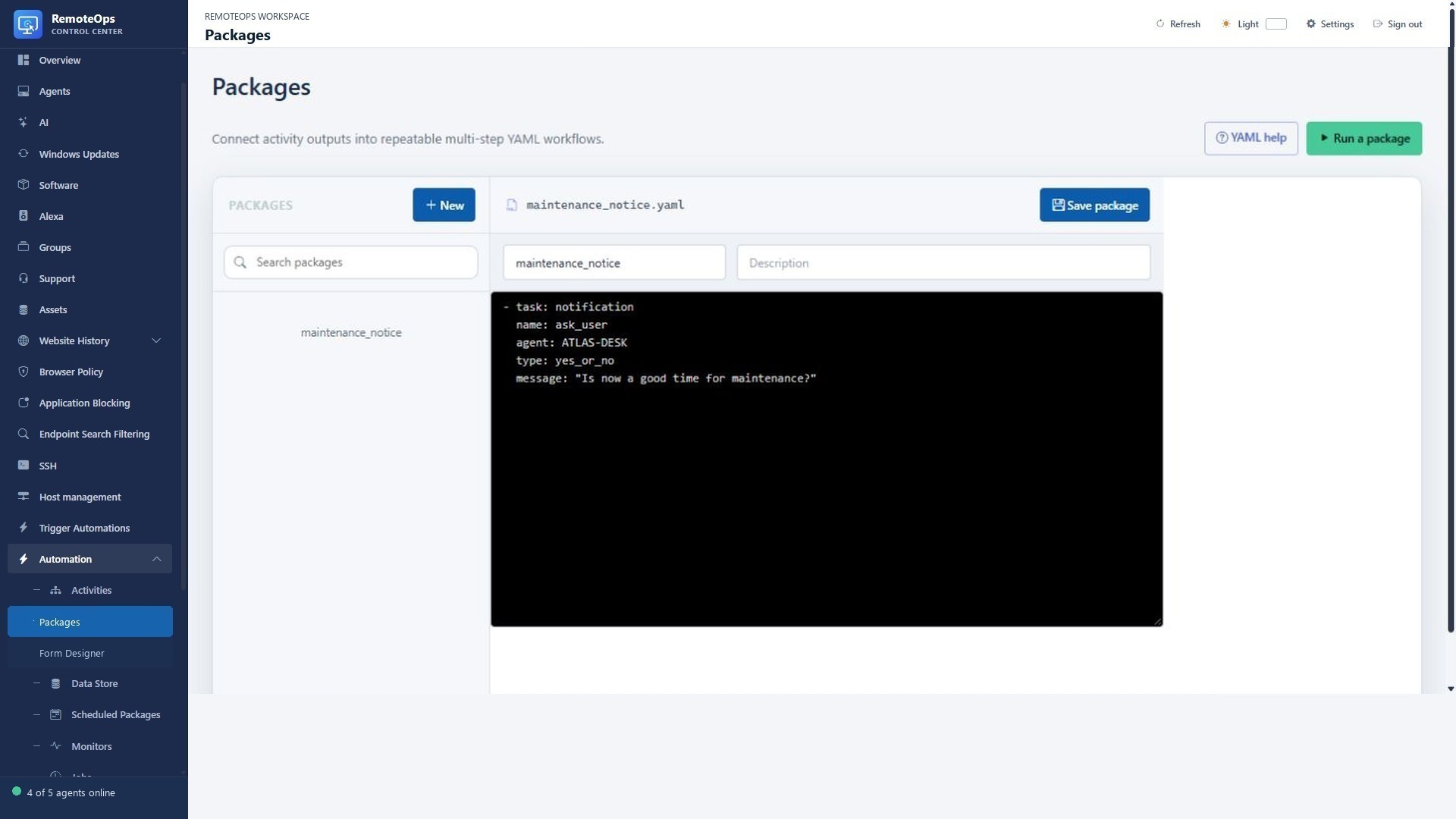
External triggers start packages; package tasks perform the configured work. Test the package manually and inspect its job output before enabling a recurring trigger.
Related walkthroughs#
See the expanded Webhook manual for curl, PowerShell, Python, response JSON, failed starts, retries and tracing. See Camera streams for the doorbell workflow.
Integration patterns#
| Pattern | Direction | Use |
|---|---|---|
| Package webhook | External system → RemoteOps | Trigger a saved automation by secret identifier. |
| HTTP from an Activity/inline task | RemoteOps → external API | Create a ticket, query a service or send structured results. |
| SMTP email | RemoteOps → recipients | Reports and notifications with optional HTML/CC/BCC. |
| Alexa | RemoteOps → discovered devices | Speech, announcements, music and playback. |
| RTSPS camera | Camera → capture/overlay/model task | Fresh frames, user overlays and configured model analysis. |
| LLM connection | Package/chat → configured model | Text/vision analysis and structured outputs. |
Trigger a package with a webhook#
Add webhook metadata at the beginning of a saved package to make it externally triggerable:
- webhook: 'testing'
- task: inventory_computer
  name: inventory
  agent: 'NOVA-LAPTOP'
  inputs: {}
Trigger it with an HTTP POST:
curl -X POST 'https://remoteops.example.com/api/webhook?id=testing'
The endpoint immediately returns HTTP 202 Accepted and a job ID for every package whose webhook exactly matches testing; those jobs continue asynchronously. Multiple packages may share the same webhook ID. Webhook-started entries in Job History show the webhook ID and the validated client IP supplied by the proxy. A missing ID returns 400, and an ID with no matching package returns 404.
Webhook IDs are case-sensitive, must begin with a letter or number, and may contain up to 128 letters, numbers, dots, underscores, or hyphens. The public webhook route does not use a portal login or administrator API key: possession of the ID authorizes the trigger. Use a long, randomly generated ID, send it only over HTTPS, and treat it as a secret.
The sample identifier in the example is not a production secret. Generate a long unpredictable identifier for a real integration. A webhook request starts saved packages asynchronously; it is not a synchronous RPC that waits for their remote changes to finish. Do not assume an arbitrary request JSON body becomes package inputs unless your integration contract explicitly provides that behavior.
Call an external HTTPS API from a package#
This example reads a token from Key Vault, submits a generic example payload and returns a response identifier. https://api.example.com/events is an illustrative endpoint, not a RemoteOps API. Adapt its authentication and schema to the actual service.
- task: keyvault
  name: credential
  key: EXAMPLE_API_TOKEN
  continue_on_error: false

- task: inline_powershell
  name: publish
  continue_on_error: false
  inputs:
    token: '=credential.value'
    script: |
      $headers = @{ Authorization = "Bearer $token" }
      $body = @{ source = 'RemoteOps'; event = 'health-check' } |
          ConvertTo-Json -Compress
      $response = Invoke-RestMethod -Method Post `
          -Uri 'https://api.example.com/events' `
          -Headers $headers -ContentType 'application/json' `
          -Body $body -TimeoutSec 30
      return @{ reference = $response.id }
Do not log the token or return it. Set a bounded request timeout. Use idempotency/deduplication where the external service supports it because job retries and lost acknowledgements can repeat a request. A successful HTTP status does not necessarily establish that an asynchronous external action finished.
SMTP#
Ask your tenant administrator to configure the SMTP relay and sender. The email task supports plain/HTML data, subject, To, CC and BCC with output references. Escape untrusted content before constructing HTML email. See Notifications for exact fields and output semantics.
Alexa#
Connect the Amazon account in Alexa, discover its devices and use a unique device name or serial number for supported package tasks. Speech/announcement/music/playback actions depend on the account, device and connection state. Keep device selection explicit and inspect task results. See the Task reference for the supported Alexa contracts in this build.
Camera and model workflows#
Use capture-rtsp-frame to obtain a JPEG data URL, then pass it to a vision-capable LLM connection. Use rtsps_stream when a user should see a timed live overlay. These are different tasks: capturing a frame does not display a video, and a display task does not produce a general analysis result. Avoid stale doorbell events using the overlay freshness setting.
Integration troubleshooting#
Check credentials, source/destination reachability, TLS trust, exact webhook ID, target scope, timeout and return schema. Distinguish request acceptance from completion. Inspect stderr/failure reason without copying secrets into support messages. Do not disable TLS verification to hide a certificate error.