 RemoteOpsGet started
 BUILD AUTOMATION
Practical Windows and Linux workflow recipes
Read-only diagnostics, scoped messages and integration patterns you can adapt.
Examples use remoteops.example.com and fictional systems. Adapt them to your tenant.
Screen reference#
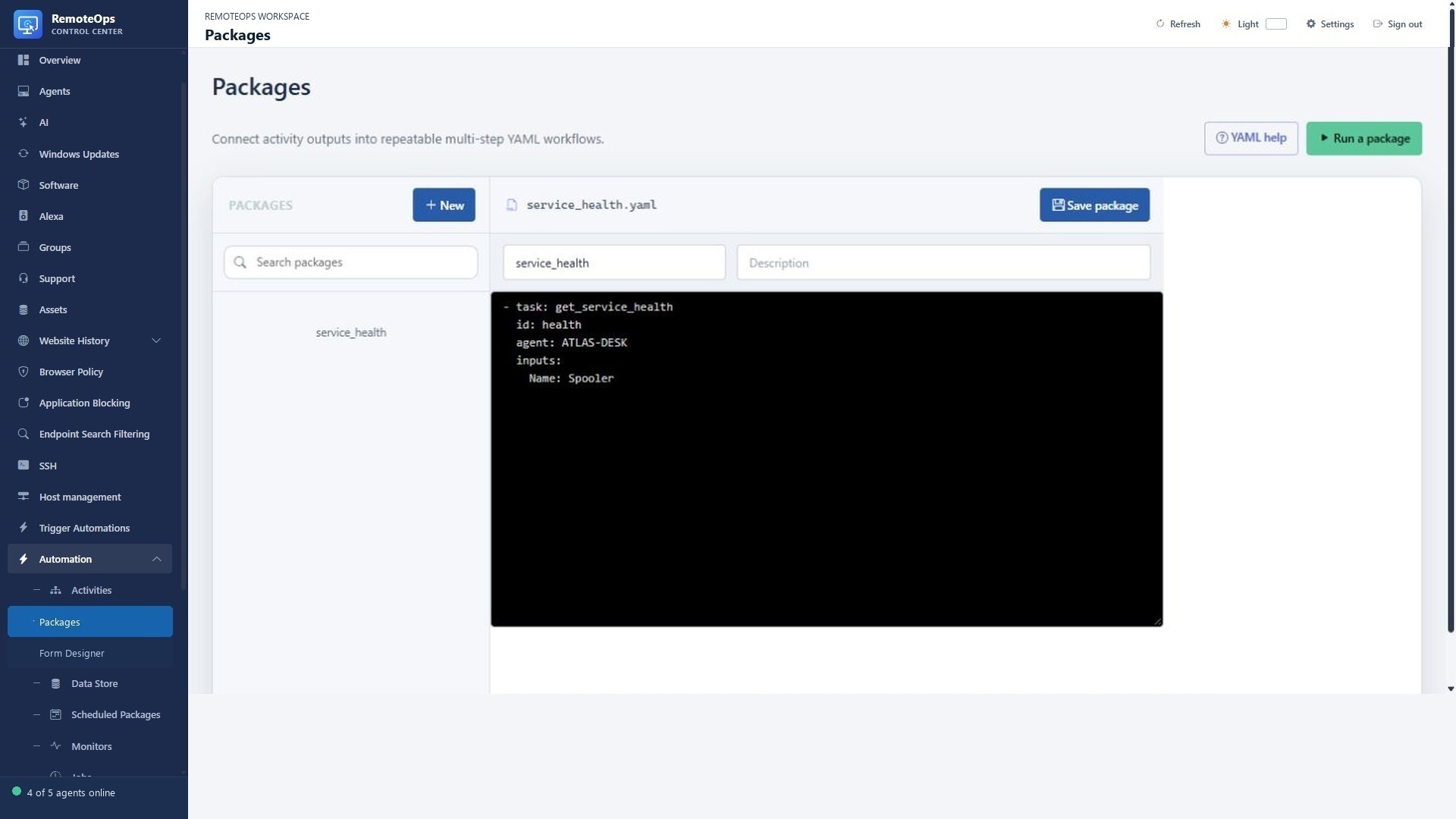
Create required activities before pasting packages that reference them. The examples below use fictional targets and must be adapted before running.
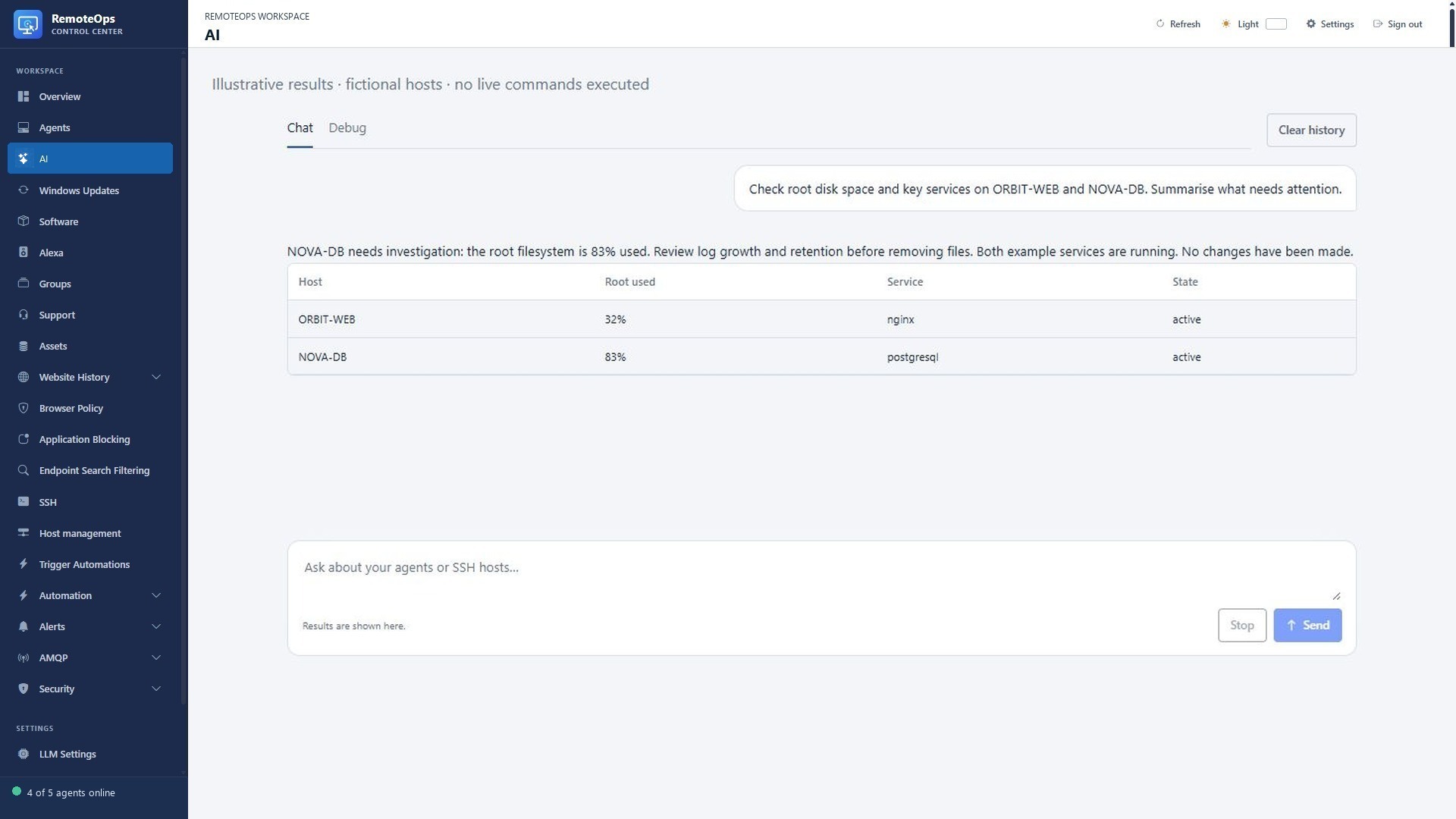
Capture structured outputs so the next task can summarise the data or make an explicit decision.
Windows service report to a user#
Create the inspect_windows_service Activity from the Activity guide. This package reports a service state; it does not restart the service.
- task: inspect_windows_service
  name: service
  agent: 'ATLAS-DESK'
  continue_on_error: false
  inputs:
    service_name: Spooler

- task: inline_powershell
  name: message
  inputs:
    status: '=service.status'
    script: |
      return @{ text = "Print Spooler state: $status" }

- task: notification
  agent: 'ATLAS-DESK'
  message: '=message.text'
Linux disk-space report by email#
Save an eligible private-key SSH profile named ORBIT-WEB and configure SMTP first. The Python step only reads disk usage; the email sends that report.
- task: python
  name: disk
  ssh: ORBIT-WEB
  continue_on_error: false
  inputs:
    script: |
      import json, shutil
      disk = shutil.disk_usage('/')
      print(json.dumps({'free_percent': round(disk.free * 100 / disk.total, 2)}))

- task: inline_powershell
  name: format
  inputs:
    percent: '=disk.free_percent'
    script: |
      return @{ text = "ORBIT-WEB root filesystem: $percent percent free." }

- task: email
  recipient: admin@example.com
  subject: Linux disk report
  data: '=format.text'
Operator form to a typed request#
Use a dropdown rather than free-form device input, a toggle for an optional notice and a label to explain the action. Pass =form_name.field_name to a later task. The complete Form guide includes a self-contained form-to-notification example and table/field-event examples.
Monitor to diagnostics#
Put a monitor task first in the response package, collect the relevant data on the exact known target, format the original trigger details and send the result. The Monitoring guide provides a runnable metadata-to-email example. Validate the mapped target before turning a monitor's descriptive device text into a remote command destination.
Camera event to a useful message#
Capture a fresh frame with capture-rtsp-frame, pass the data URL to an eligible vision model connection, and send a bounded textual summary. For a person at a Windows device, rtsps_stream can show a short timed feed with a bell. Model inference and desktop display are separate tasks; a model's visual guess should not silently trigger a high-impact administrative action.
From an AI answer to repeatable operations#
Start with a read-only chat request, inspect the exact tools/results, then save a reusable Activity/Package when the task repeats. Keep the target, inputs, execution context and failure policy explicit. The AI guide includes Windows/Linux prompts, commands and a diagnostics-to-model-to-email package.